Страница 1
AUX OPT PC USB Dongguan Platinum Audio Systems Co., LTD No. 2 East Industry Road, Songshan Lake National High-techIndustrial Development Zone, Dongguan 523808 China A80 www.airpulseaudio.com Active Speaker System User m…
Читать страницу
Карточка инструкции: Активный монитор Edifier AirPulse A80. Документ содержит 20 страниц. Раздел: Аудиоколонки. Бренд: Edifier. Доступны оглавление, просмотр по страницам и PDF для скачивания.
Раздел: ТВ, консоли и аудио / Аудиотехника / Колонки / Аудиоколонки
Бренд: Edifier
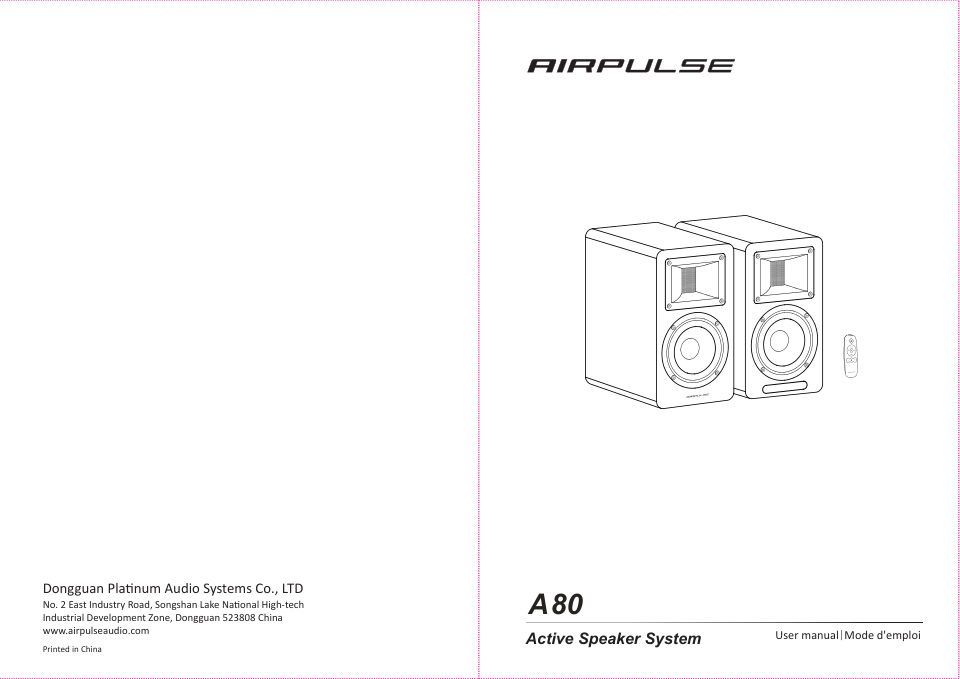
AUX OPT PC USB Dongguan Platinum Audio Systems Co., LTD No. 2 East Industry Road, Songshan Lake National High-techIndustrial Development Zone, Dongguan 523808 China A80 www.airpulseaudio.com Active Speaker System User m…
Читать страницуImportant safety instruction Important safety instruction Please read the following contents carefully before turning on your equipment; and follow the instructions below. Warning: Keep this information around for futur…
Читать страницуImportant safety instruction Catalog FCC Regulatory Compliance Warning: changes or modifications not expressly approved by the party responsible for compliance could Box Contents 4 void the user’s authority to operate th…
Читать страницуBox Contents Speaker Illustration Active speaker Passive speaker Remote control AUX PC OPT USB 1. Volume control/input selection 4. Power switch Volume control Turn on/off speaker power. Rotate clockwise to increase volu…
Читать страницуRemote Control Illustration Installing Battery in Remote Control Infrared emission window ① Standby button ② When powered on, press the “ ” button to let the speaker enter standby mode. Displayed value of remote control…
Читать страницуPreparations Preparations 1.Connect speakers 4.Connect to power source Connect the power cable included to power L SPEAKER OUT LEFT SPEAKER input port on the rear panel, and then insert power plug into wall outlet. Usin…
Читать страницуAUX Input Mode PC Input Mode 1. Insert RCA audio cable into AUX input port on the rear panel of the active speaker 1. Insert RCA audio cable into PC input port on the rear panel of the active speaker (pay (pay attention…
Читать страницуUSB Input Mode USB Input Mode USB interface chip in the A80 is a XMOS chip commonly used by high-end audio equipments. After being connected to PC, USB interface will directly extract and play Connect PC to speakers bac…
Читать страницу