Страница 1
BH70 Mono & BH70 Dual Bluetooth Headset Quick Start Guide V1.0 ! PleaseYealink updateConnectthe(APP)headsetbeforeto theusing.latest version via Yealink USB Connect (PC) or
Читать страницу
Карточка инструкции: Беспроводные наушники Yealink BH70 Dual UC черный 2024. Документ содержит 12 страниц. Раздел: Наушники и гарнитуры. Бренд: Yealink. Доступны оглавление, просмотр по страницам и PDF для скачивания.
Раздел: ТВ, консоли и аудио / Аудиотехника / Наушники и гарнитуры
Бренд: Yealink
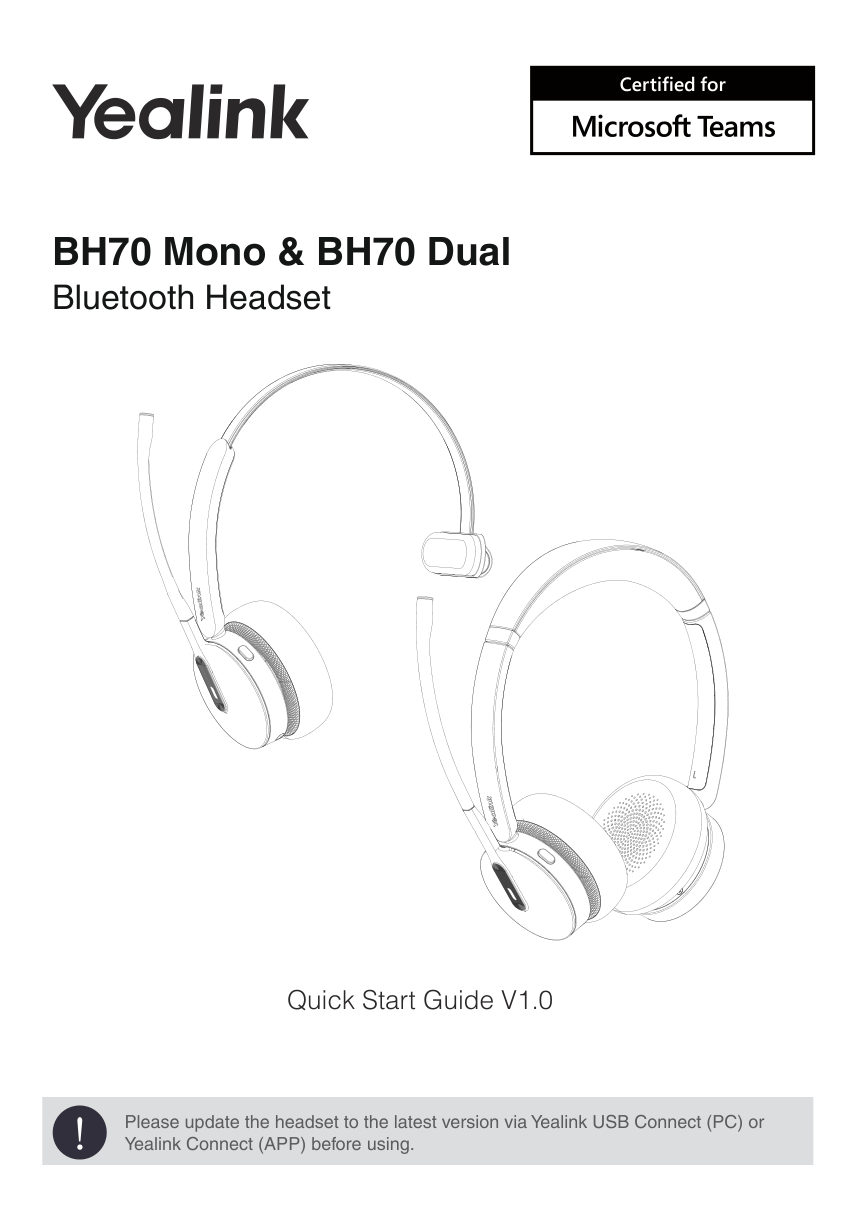
BH70 Mono & BH70 Dual Bluetooth Headset Quick Start Guide V1.0 ! PleaseYealink updateConnectthe(APP)headsetbeforeto theusing.latest version via Yealink USB Connect (PC) or
Читать страницуNotes 1. The signal range of Bluetooth headset typically spans around 10 meters. Please ensure the distance between your device and the headset is close to prevent signal interruption or degradation. 2. It is advised to…
Читать страницу1 Package List • Standard or BHD702 Headset BHM701 Headset Drawstring Bag USB 2.0 Cable BT51-A Dongle Quick Start Guide (USB-A to USB-C) • Optional BHC70 Charging Stand Replacement Ear Cushions Note: We recommend that y…
Читать страницу2 Overview Microphone Teams button Voice Assistant button Call control Busylight Charging port Play/pause Volume + Next track Mute Volume - Previous track Power on/off Bluetooth 4
Читать страницу3 Charging USB Charging Charging stand (optional) Note: We recommend to fully charge the headset when using it for the first time. LED Indicator Status Charging Breathing green LED indicator Fully Charged Green LED indi…
Читать страницу4 Power on/off Power Button LED Indicator Power Button LED Indicator Prompt Sound "power on, battery low/medium/ Power on Green high" Power off Red "power off" 5 Pairing and Connecting Device Enter Pairing Mode • Flash…
Читать страницуPair with PC• Pair with Desk Phone• Note: - If your desk phone does not have built-in Bluetooth, you need to use the BT51 dongle to pair the headset. - The BT51 and headset are already pre-paired when leaving the factor…
Читать страницу6 Call & Music Control Press once • Answer call • End call • Accept the incoming call and end the active call Double-press • Redial • Reject the incoming call and continue the active call Hold for 2 sec • Hold call • Pu…
Читать страницу