Страница 1
How-to BH76 Plus video Bluetooth Headset Quick Start Guide V1.4 Please update the headset to the latest version via Yealink USB Connect (PC) or Yea- link Connect (APP) before using.!
Читать страницу
Карточка инструкции: Беспроводные наушники Yealink BH76 Plus UC черный 2024. Документ содержит 12 страниц. Раздел: Наушники и гарнитуры. Бренд: Yealink. Доступны оглавление, просмотр по страницам и PDF для скачивания.
Раздел: ТВ, консоли и аудио / Аудиотехника / Наушники и гарнитуры
Бренд: Yealink
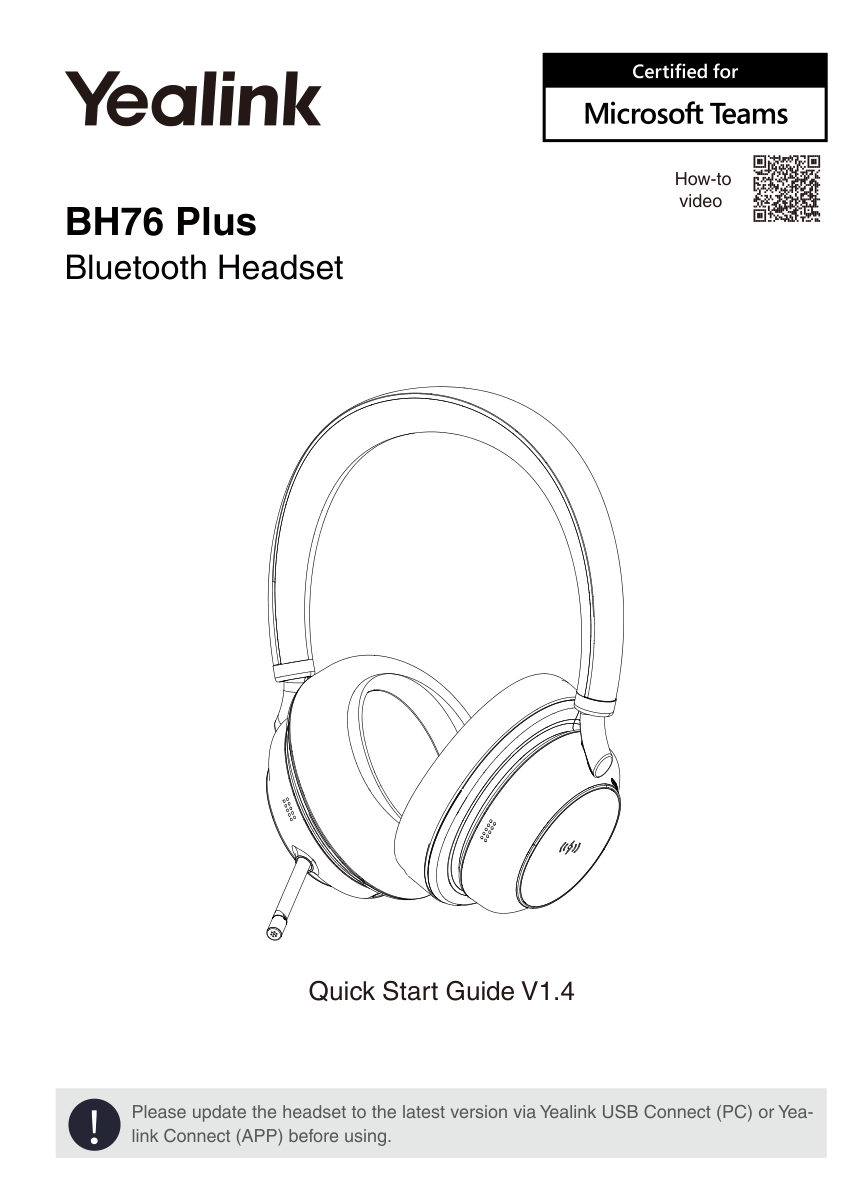
How-to BH76 Plus video Bluetooth Headset Quick Start Guide V1.4 Please update the headset to the latest version via Yealink USB Connect (PC) or Yea- link Connect (APP) before using.!
Читать страницу1 Package List • Standard BH76 On-ear Ear Cushion Carrying Case BT51-C Dongle USB C/A Adapter USB Charging Cable Quick Start Guide • Optional Power Adapter BHC76 Wireless Charging Stand Note: We recommend that you use t…
Читать страницу2 Charging L Align the charging area Wireless Charging (optional) Note: We recommend to fully charge the headset when using it for the first time. The BHC76 is compatible with devices that support QI wireless charging,…
Читать страницу3 Power on/off LED Indicator Hold 2s "power on, Power on Green XX % battery remains" Power off Red "power off" 4 Pairing and Connecting Device • No Built-in Bluetooth Device Power on state Already pre-paired when leavin…
Читать страницу• Built-in Bluetooth Device Step1: Enter Pairing Mode • Power On State Flash Red and Green Alternately Hold 3s "pairing mode" • Power Off State Flash Red and Green Alternately Hold 5s "power on, XX % battery remains, pa…
Читать страницу5 Call Controls and Busylight Mute Press 1X or Push Put on the Accept headset Multi-function Press and pull out Button or microphone 1X boom End Press 1X Multi-function Button Reject Press 2X Incoming Call Flash Red Tal…
Читать страницу6 Music Controls Hold 1.5s Press Take off 1X or Press 1X Press 1X Press 1X or Put on Hold 1.5s 7 Customers Button Teams Edition: Press Open Teams Notification 1X Hold Teams/UC Edition: Activate Voice Assistant 2s Siri,…
Читать страницу8 Sound Control Reduce ambient Noise noise. The higher Canceling the level, the more obvious the noise cancellation ANC Press Allow you to hear Ambient ambient sound Sound 1X Turn off noise canceling and ambient sound,…
Читать страницу