Страница 2
Inspiroy 2 S M L Product Overview Introduction Thanks for choosing HUION Inspiroy 2 pen tablet (Inspiroy 2 S/M/L). Inspiroy 2, the second generation of the HUION Inspiroy series, is a professional pen tablet that owns a…
Читать страницу
Карточка инструкции: HUION Inspiroy 2M / HUION Inspiroy 2S. Документ содержит 48 страниц. Раздел: Графические планшеты. Бренд: HUION. Доступны оглавление, просмотр по страницам и PDF для скачивания.
Раздел: ПК, ноутбуки, периферия / Периферия и аксессуары / Графические планшеты и аксессуары / Графические планшеты
Бренд: HUION
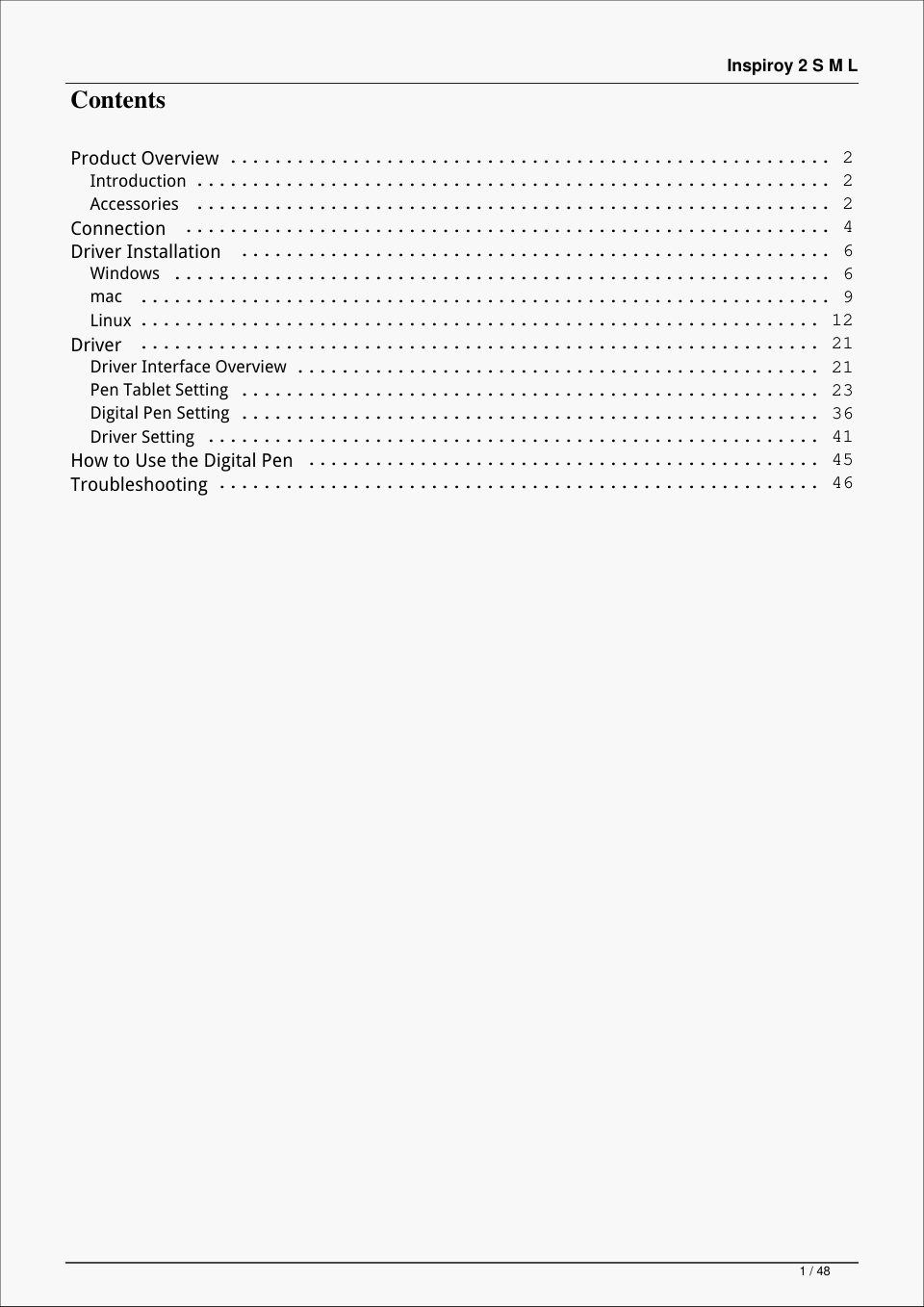
Inspiroy 2 S M L Product Overview Introduction Thanks for choosing HUION Inspiroy 2 pen tablet (Inspiroy 2 S/M/L). Inspiroy 2, the second generation of the HUION Inspiroy series, is a professional pen tablet that owns a…
Читать страницуInspiroy 2 S M L Indicator Light: There is an indicator light on the pen tablet to help you check the status of the pen tablet and the digital pen. Detailed information for reference is down below: Product Color Status…
Читать страницуInspiroy 2 S M L roy 2 M/ L Scroller: Roll the wheel to execute the currently set function. Group Key: Each Group Key controls a group of shortcuts assigned to the 8 programmable press keys and the Scroller of a pen tab…
Читать страницуInspiroy 2 S M L Wired Connection 1. Take out the USB-C cable from the box (Some computers require a USB-C adaptor), and use it to connect Inspiroy 2 to a computer. 2. Please choose and download the correct driver Drive…
Читать страницуInspiroy 2 S M L Driver Installation Windows How to Install the Driver on Windows Device Notice: ① Before installing the driver, please close all graphic software and antivirus programs. The 6 / 48
Читать страницуInspiroy 2 S M L note (“HuionTabletCore.exe” failed to launch!) below appears only on devices with Windows OS, indicating that the driver is blocked by antivirus programs or drawing applications. ② Please make sure your…
Читать страницуInspiroy 2 S M L 6. After the installation has been completed, click on “Try it now”. 7. A picture of Inspiroy 2 will appear on the driver interface to indicate a successful connection. Now you can use your pen tablet.…
Читать страницуInspiroy 2 S M L mac How to Install the Driver on Mac Device Notice: 1. Please make sure your computer operating system is macOS 10.12 or later. 2. Open the driver and a picture of Inspiroy 2 will appear, indicating tha…
Читать страницу