Страница 1
Al l-In- On e Twin Tu rb i n e s L i qui d C PU C o o l e r User Manual · English
Читать страницу
Карточка инструкции: InWin SR24 PRO / InWin SR36 PRO. Документ содержит 19 страниц. Раздел: Системы жидкостного охлаждения. Бренд: Inwin. Доступны оглавление, просмотр по страницам и PDF для скачивания.
Раздел: Комплектующие для ПК / Основные комплектующие для ПК / Охлаждение компьютера / Системы жидкостного охлаждения
Бренд: Inwin
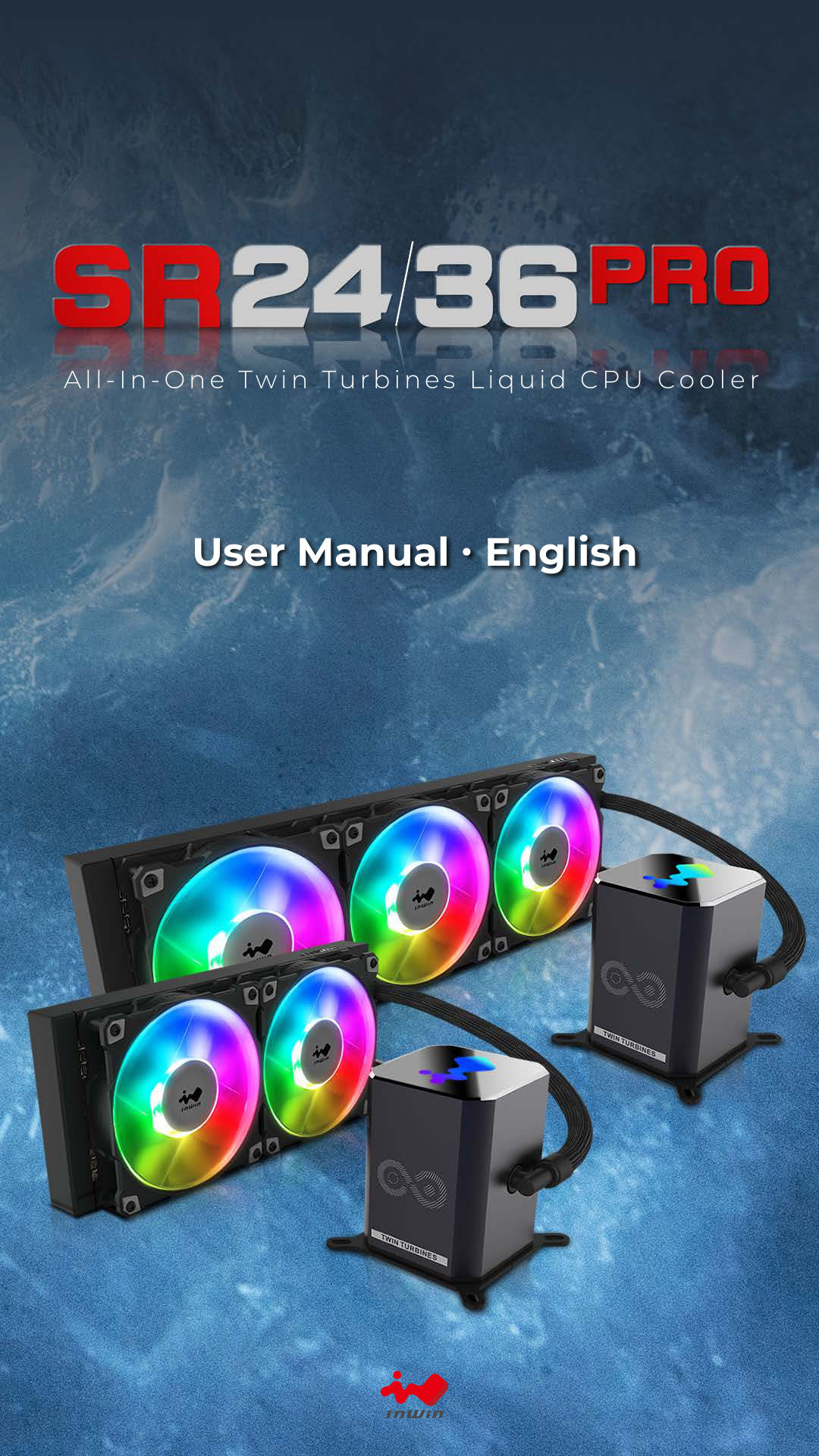
Al l-In- On e Twin Tu rb i n e s L i qui d C PU C o o l e r User Manual · English
Читать страницу1. Product Story Glow with the Flow! Cool Like a PRO! InWin brings forth an upgraded All-In-One CPU Cooler! Inheriting the patented twin-turbine function, the SR PRO’s pumps run parallel with one another to ensure excel…
Читать страницу2. Specifications Model SR24 PRO SR36 PRO Model Number IW-LC-SR24PRO IW-LC-SR36PRO Intel® LGA 1200/ 2066/ 2011-V3/ 2011/ 1366/ 1156/ 1155/ 1151/ 1150 CPU Socket Support AMD® AM4/ AM3+/ AM3/ AM2+/ AM2/ FM2+/ FM2/ FM1/ TR…
Читать страницу3. SR24 PRO Package Contents a b c d e f h j g i k m n o p r q l QR Code Card x1 Washer x8 a. j. Intel Mounting Bracket x2 Radiator Screws x8 b. k. AMD Mounting Bracket x2 Thumbscrew Cap x4 c. l. Jupiter AJF Fan x2 Stan…
Читать страницу4. SR36 PRO Package Contents a b e d f c g h j m n k o p i q l r QR Code Card x1 Washer x12 a. j. Intel Mounting Bracket x2 Radiator Screws x12 b. k. AMD Mounting Bracket x2 Thumbscrew Cap x4 c. l. Jupiter AJF Fan x3 St…
Читать страницу5. Installation Guide * Please follow the related chapters to assemble. * Please use original provided accessories to avoid damage to the product 1. Install AJF120 Fans to Radiator. Parts Required: 240mm/360mm radiator,…
Читать страницу5. Installation Guide * Please follow the related chapters to assemble. * Please use original provided accessories to avoid damage to the product 2. Install Fans and Radiator combo to your PC chassis. Parts Required: Ra…
Читать страницу5. Installation Guide * Please follow the related chapters to assemble. * Please use original provided accessories to avoid damage to the product (2) Attach the Intel backplate to the bottom of the motherboard. Note: In…
Читать страницу