Страница 1
User GuideSolar-Powered Security Camera Kit ©2024 TP-Link 1910013620 REV1.0.0
Читать страницу
Карточка инструкции: IP-камера TP-LINK TC82 KIT. Документ содержит 29 страниц. Раздел: IP камеры. Бренд: Ip-Камера. Доступны оглавление, просмотр по страницам и PDF для скачивания.
Раздел: Сетевое оборудование / Видеонаблюдение / IP камеры
Бренд: Ip-Камера
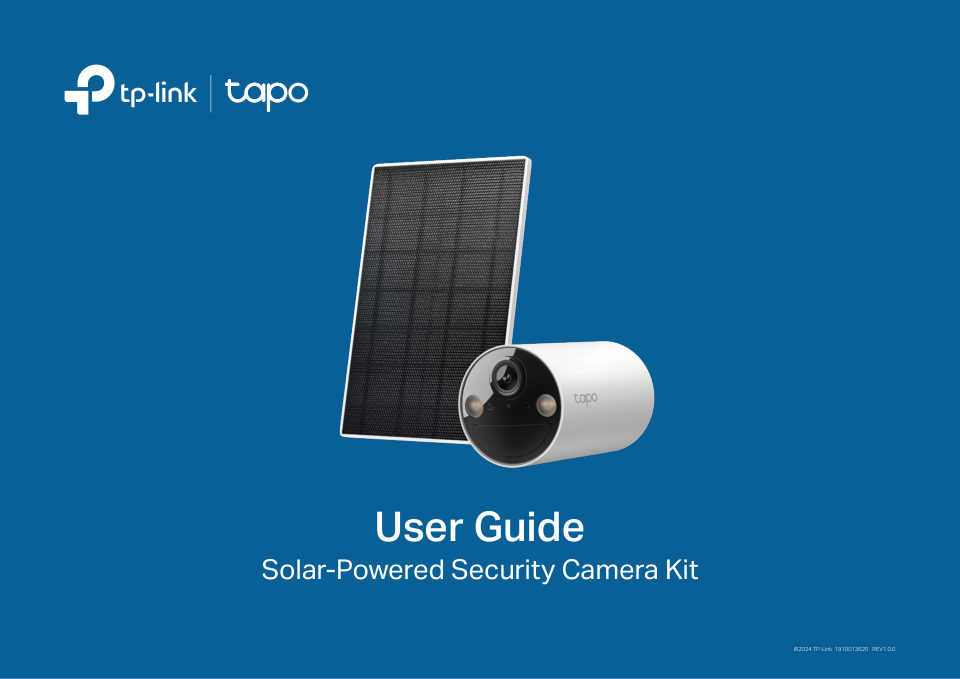
User GuideSolar-Powered Security Camera Kit ©2024 TP-Link 1910013620 REV1.0.0
Читать страницуAbout This GuideThis guide provides a brief introduction to the Solar-Powered Security Camera Kit and the Tapo app, as well as regulatory information. Please note that features available in Tapo may vary by model and so…
Читать страницуIntroductionExperience advanced security with the Tapo Solar-Powered Security Camera Kit, a solar-powered solution providing flexible installation options. Its innovative solar panel design allows for versatile setup—ei…
Читать страницуAppearance Front Side Back 8 10 5 6 1 2 3 4 1 7 9 11 microSD 11 Spotlights 4 Microphone 7 Speaker 8 Power Button 10 Reset Button Press and hold for about 3 seconds Use a pin to press and hold for at least 5 seconds 2 Li…
Читать страницуCamera Status LED Indication Blinking amber quickly for 3 seconds Plugging in USB charger Solid red Starting up Blinking red and green Ready for setup Blinking red slowly Connecting to Wi-Fi Solid amber Connected to Wi-…
Читать страницуCharge the BatteryThe battery comes partially charged. We recommend that you fully charge the battery before use. This will take about seven and a half hours. 5V 1A USB Charger Note: 1. Peel off film from the camera bef…
Читать страницуSet Up Your CameraFollow the steps below to set up your camera. For the setup video, please refer to https://www.tp-link.com/support/setup-video/#cloud-cameras. Step 1. Download Tapo App Step 2. Log In Step 3. Add Your…
Читать страницуSet Up Using Amazon Frustration-Free SetupNote: TC82 doesn't support FFS. What is Amazon Frustration-Free Setup? Amazon Frustration-Free Setup can help connect and set up Tapo smart devices in fewer steps, without havin…
Читать страницу