Страница 3
LIGHTSPEED CONNECTION USB www.logitech.com/support/G813 English 3
Читать страницу
Карточка инструкции: Клавиатура проводная Logitech G813. Документ содержит 31 страницу. Раздел: Клавиатуры. Бренд: Logitech. Доступны оглавление, просмотр по страницам и PDF для скачивания.
Раздел: ПК, ноутбуки, периферия / Периферия и аксессуары / Клавиатуры
Бренд: Logitech
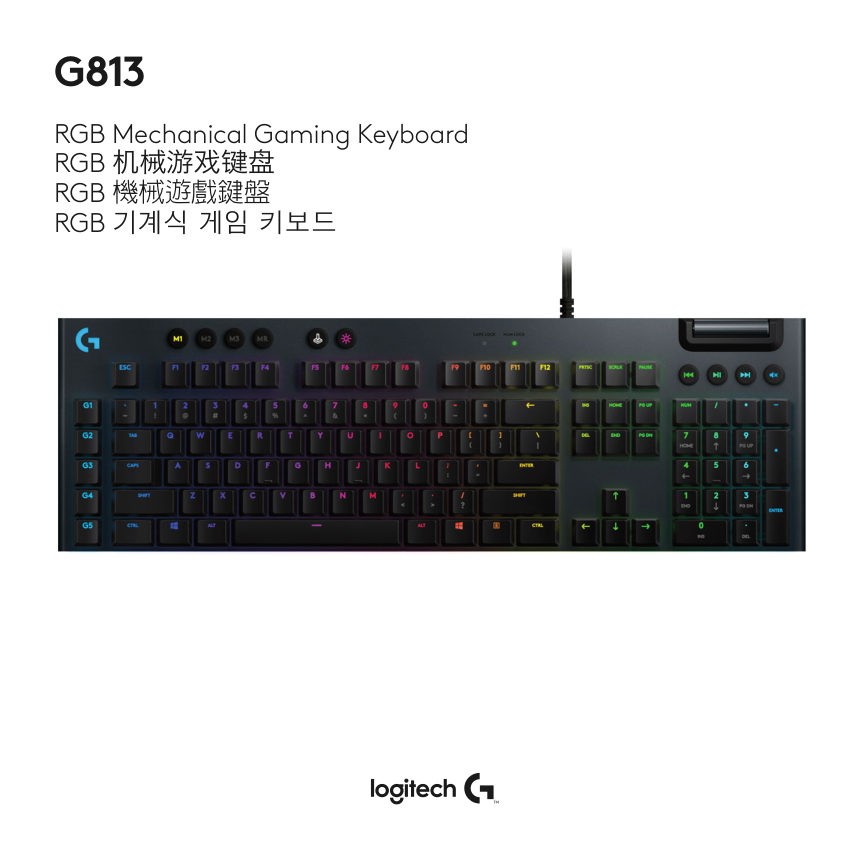
LIGHTSPEED CONNECTION USB www.logitech.com/support/G813 English 3
Читать страницуKEYBOARD FEATURES 2 3 4 5 6 1 1. G-Keys 2. Mode Switches 3. Game Mode 4. Brightness 5. USB Pass-through 6. Media Controls 4 English
Читать страницуKEYBOARD FEATURES - LIGHTING FUNCTIONS In addition to the lighting features available through G HUB software, G813 has onboard lighting effects. To select these effects, press and hold the Brightness button while pressi…
Читать страницуKEYBOARD FEATURES - G-KEYS • 5 programmable G-keys and three M-keys provide up to 15 unique functions per game. • Customize the G-keys using Logitech G HUB Software. • To record a macro: 1. Press the MR key 2. Press a G…
Читать страницуGAME MODE BUTTON This button disables the standard Windows key and Menu key to prevent the Windows Start menu from activating during a game, which might disrupt play. The game mode LED is lit during game mode. KEYBOARD…
Читать страницуKEYBOARD FEATURES - MEDIA CONTROLS G813 has media controls, located in the upper tight corner of the keyboard. • Volume roller - controls volume of the active audio on your PC. • Skip Back - goes to the beginnign of a t…
Читать страницуKEYBOARD FEATURES - USB PASS-THROUGH USB Pass-through • G815 has a USB port located next to the cable that can be used to connect other USB devices more conveniently. English 9
Читать страницуLIGHTSPEED 连接 USB www.logitech.com/support/G813 10 简体中文
Читать страницу