Страница 1
Digital Compact Camera Realishot DC9200 EN User manual PT Manual do usuário FR Manuel d’utilisation NL Gebruikershandleiding DE Bedienungsanleitung PL Podreecznik uzytkownika ES Manual de usuario CZ Uživatelský manuál I…
Читать страницу
Карточка инструкции: Компактный фотоаппарат AgfaPhoto DC9200. Документ содержит 124 страницы. Раздел: Компактные фотоаппараты. Бренд: Agfaphoto. Доступны оглавление, просмотр по страницам и PDF для скачивания.
Раздел: Смартфоны и фототехника / Фототехника / Фотоаппараты / Компактные фотоаппараты
Бренд: Agfaphoto
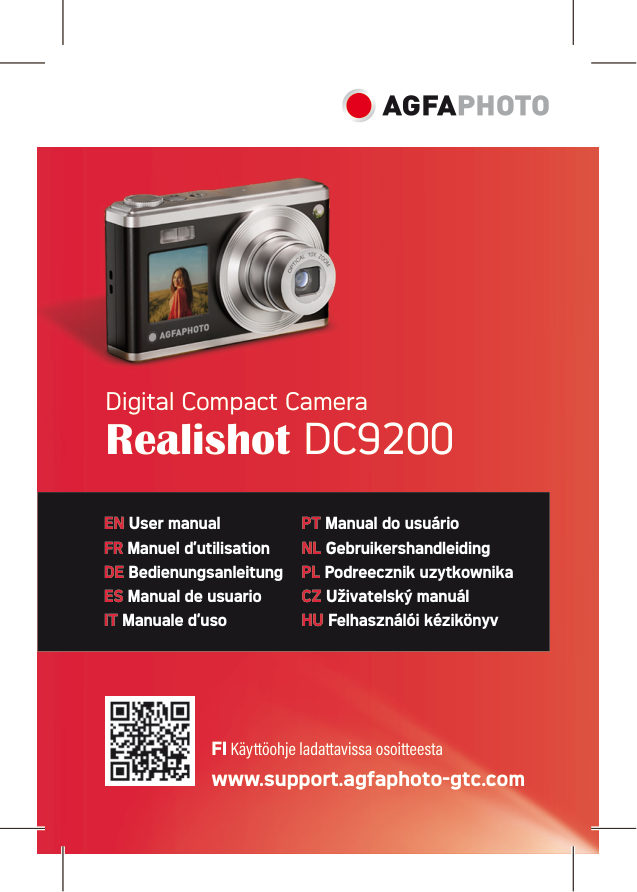
Digital Compact Camera Realishot DC9200 EN User manual PT Manual do usuário FR Manuel d’utilisation NL Gebruikershandleiding DE Bedienungsanleitung PL Podreecznik uzytkownika ES Manual de usuario CZ Uživatelský manuál I…
Читать страницуEN SAFETY NOTES Do not drop the camera or allow it to hit solid objects. Do not attempt to disassemble or repair the camera. Do not use or store the camera in dusty places or on a beach to help prevent dust or sand from…
Читать страницуEN If this camera is not in use for a long period of time, please keep it in a dry and clean storage location. Please use a battery that is the same type of the one included. Please use the included charger to charge th…
Читать страницуEN DIGITAL CAMERA OVERVIEW 1. Power button Turn on/off Take photos; Recording videos; Quick 2. Camera button return photo mode 3. Rotary switch key Can choose a profile 4. W key Reduce focus/photo/video 5. T key Enlarge…
Читать страницуEN GETTING STARTED Battery installation / Removal 1. Push and twist the battery cover to the left to open it. 2. Battery electronic contact direction 3. Close the battery cover and push the button to the right 6
Читать страницуEN CHARGING Please use a Micro USB charging cable and charger for charging. Charging/data transmission interface 1. When charging, the indicator light will turn on red. 2. After fully charging, the red indicator light w…
Читать страницуEN TURN ON/OFF Power on : Turn the power button to the right to turn on the camera. Shutdown : When turned on, turn the power button to the left to turn off the camera. In idle mode, if no action is taken within the set…
Читать страницуEN PHOTO MODE MENU In photographing mode, press the Menu key to open the menu setting of photographing mode. Menu Name Details 60M: 9152x6864;48M:8192x6144; 36M:7088x5312; 24M: 5792x4344;20M:5152x3864; Photo Size 16M:46…
Читать страницу