Страница 1
MeetUp CC4000e Setup Guide · 设置指南
Читать страницу
Карточка инструкции: Конференц-камера Logitech ConferenceCam MeetUp CC4000E. Документ содержит 20 страниц. Раздел: Веб-камеры. Бренд: Logitech. Доступны оглавление, просмотр по страницам и PDF для скачивания.
Раздел: ПК, ноутбуки, периферия / Периферия и аксессуары / Веб-камеры
Бренд: Logitech
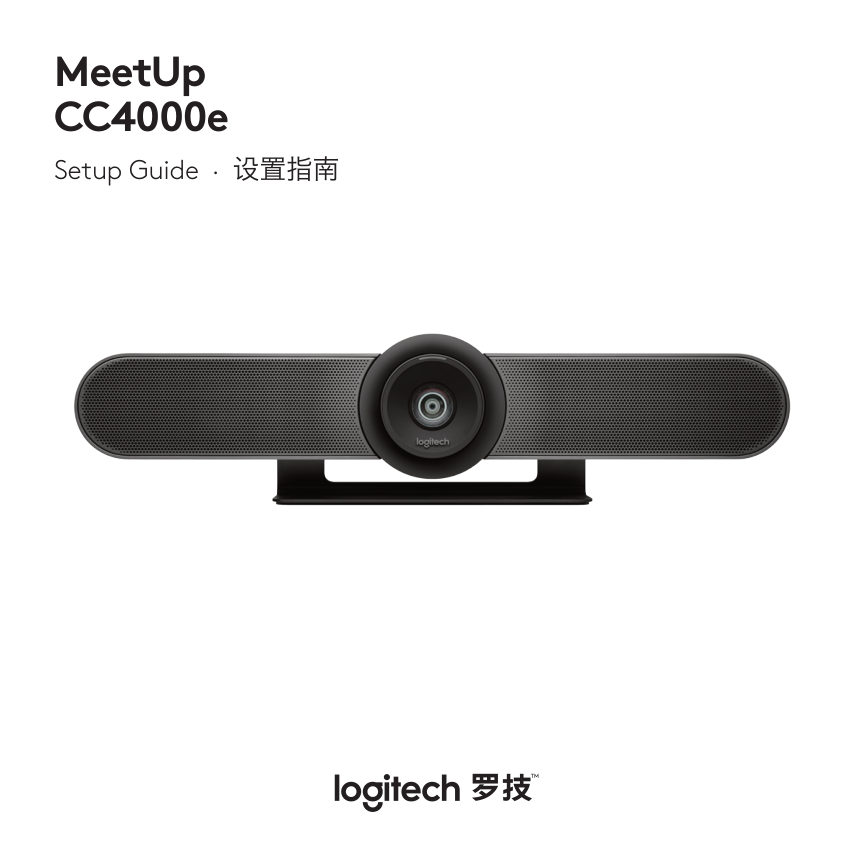
MeetUp CC4000e Setup Guide · 设置指南
Читать страницуWHAT’S IN THE BOX 1 2 5 6 x4 x4 3 7 Safety, Compliance and Warranty Information importantes concernant la en conformité la garantie for any they may be check medication before ingesting asswallowed adults have mistaken…
Читать страницуWHAT’S WHAT CAMERA SPEAKERPHONE 1 2 5 3 4 1. Security slot 2. Remote control pairing 3. USB 4. Power 5. Optional expansion microphone 4 English
Читать страницуREMOTE 1 2 3 4 5 6 7 8 9 1. Microphone mute 7. Camera pan/tilt 2. Call answer 8. Camera home 3. Call end 9. Camera preset 4. Bluetooth® pairing * Please note that not all 5. Volume up/down applications support call answ…
Читать страницуThanks for buying MeetUp. We think you’ll find the extra wide field of view will help everyone feel included in the meeting, enhancing communication. PLACEMENT We recommend placing the camera b. Attach the camera as clo…
Читать страницуCONNECTION 3. Connect the TV to the computer. Connecting MeetUp is the same whether you plan on using a dedicated computer in the room, or your team members bring a laptop to the room to run the meeting. 1. Plug MeetUp…
Читать страницуMAKE MEETUP PAIRING MEETUP THE DEFAULT DEVICE TO A BLUETOOTH DEVICE Ensure that MeetUp is chosen as You can use MeetUp for audio calls the camera, speaker and microphone when paired to a Bluetooth device. in your video…
Читать страницуPAIRING THE REMOTE FOR MORE INFORMATION CONTROL TO THE CAMERA You can find additional information Your camera and remote control are on MeetUp including: paired at the factory. However, if you – FAQs need to pair a remo…
Читать страницу