Страница 1
Deco X1500 Superior Mesh Wi-Fi, Everywhere User Guide AX1500 Whole Home Mesh Wi-Fi 6 System 1910013458 REV1.0.0 © 2023 TP-Link
Читать страницу
Карточка инструкции: MESH-комплект TP-Link Deco X1500 (1-pack). Документ содержит 16 страниц. Раздел: Wi-Fi роутеры. Бренд: Mesh-Комплект. Доступны оглавление, просмотр по страницам и PDF для скачивания.
Раздел: Сетевое оборудование / Wi-Fi роутеры и оборудование для малых сетей / Wi-Fi роутеры
Бренд: Mesh-Комплект
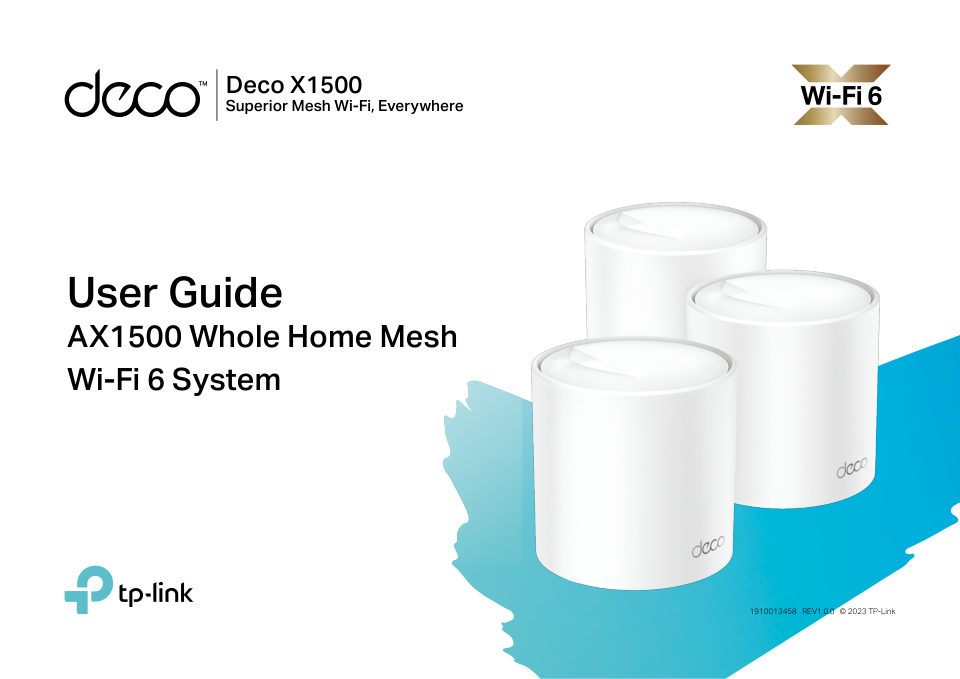
Deco X1500 Superior Mesh Wi-Fi, Everywhere User Guide AX1500 Whole Home Mesh Wi-Fi 6 System 1910013458 REV1.0.0 © 2023 TP-Link
Читать страницуAboutThis guide provides a briefThisintroductionGuideto AX1500 Whole Home Mesh Wi-Fi 6 System and regulatory information. Features available in Deco may vary by model and software version. Deco availability may also var…
Читать страницуAppearanceEach Deco has an LED that changes color according to its status, two RJ-45 Ethernet ports, a power slot, and a Reset button. See the explanation below: Tip: The product label can be found at the bottom of the…
Читать страницуSet Up Your DecoFirst let's start by setting up the Deco network. Get the TP-Link Deco app for iOS or Android, then follow the app to walk through the setup. 1. Get the Deco app 2. Log in or sign up with TP-Link ID 3. S…
Читать страницу4. Scan your Deco's product label 5. Plug in your Deco 6. Wait until Deco's LED pulses blue Scan the QR code on the product label at the Power off your modem. Connect your Deco to Wait until your Deco's LED pulses blue,…
Читать страницу7. Specify your Deco's location 8. Connect your Deco to the internet 9. Create your Wi-Fi network Select or custom a location for your Deco. Select the internet connection type and enter Set a network name and a passwor…
Читать страницу10. Connect to your Wi-Fi network 11. Setup complete Connect your phone/tablet to the Deco's Your Deco network is now up. You can connect Wi-Fi. your devices to the Deco network. You can also plug in the other included…
Читать страницуTroubleshootingSolutions to common problems during setup or use are provided here for reference. Follow the steps and the provided link below to diagnose and solve problems you might experience with your Deco. If proble…
Читать страницу