Страница 18
GX1 USB Digital Microphone Preface Dear Customer, Thank you for purchasing Takstar GX1 USB Digital Microphone. In order to betterunderstand and use the product, please read this manual carefully. If you have any questio…
Читать страницу
Карточка инструкции: Микрофон Takstar GX1 USB. Документ содержит 36 страниц. Раздел: Микрофоны. Бренд: Takstar. Доступны оглавление, просмотр по страницам и PDF для скачивания.
Раздел: ТВ, консоли и аудио / Аудиотехника / Микрофоны, радиосистемы и аксессуары / Микрофоны
Бренд: Takstar
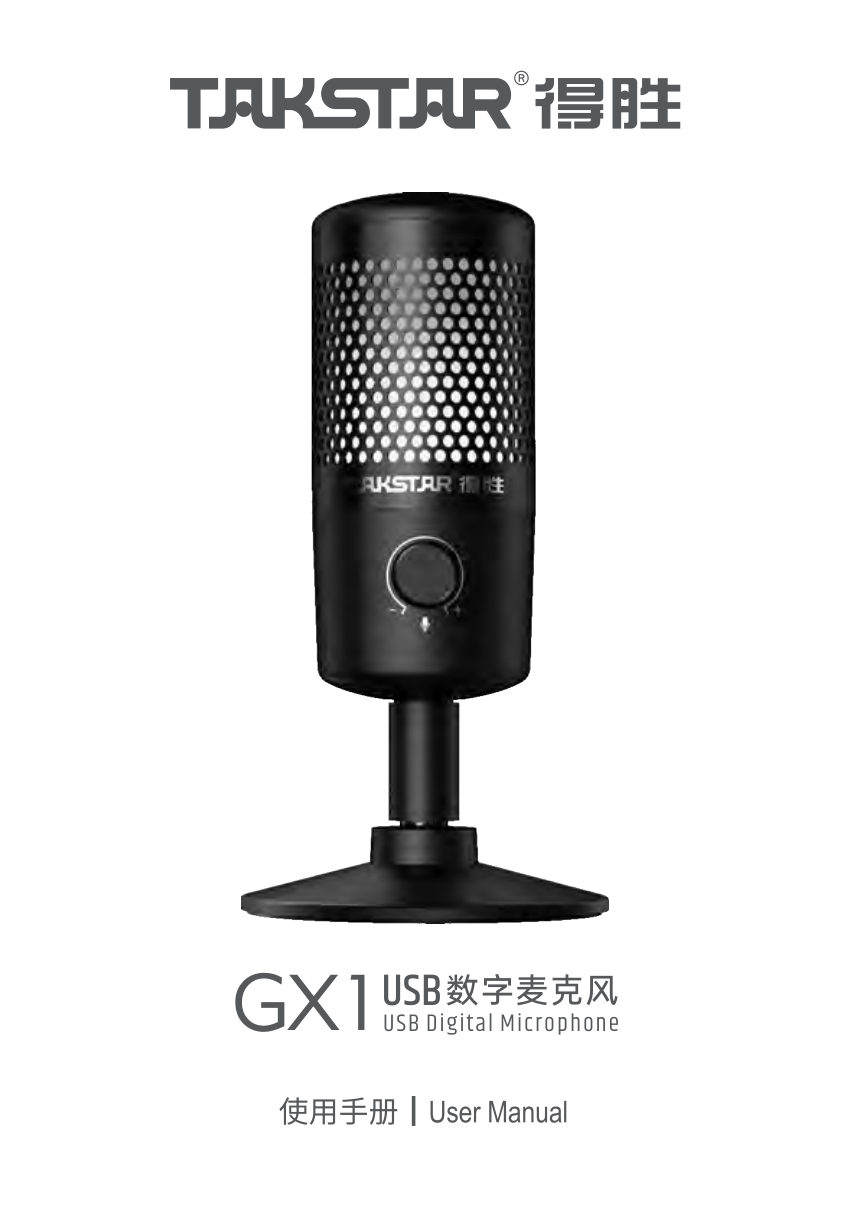
GX1 USB Digital Microphone Preface Dear Customer, Thank you for purchasing Takstar GX1 USB Digital Microphone. In order to betterunderstand and use the product, please read this manual carefully. If you have any questio…
Читать страницуGX1 USB Digital Microphone System Requirements Computer: Windows 7/8/10/11 USB Protocol: USB 1.1/2.0/3.0 Mac: macOS 10.10 or later Phone: Android 6.0 or above, iOS 9.0 or later Applications Virtual lecturing, courseware…
Читать страницуGX1 USB Digital Microphone Function Descriptions ① RGB light: breathes in changing colors while recording, and goes off when muted. ② Mute switch: tap to mute/unmute. ③ SQ squelch toggle: flip to ON or OFF to enable or…
Читать страницуGX1 USB Digital Microphone Operation Instructions I. How to Use 1. Insert the USB-C end of supplied data cable into the bottom of the mic and the other end with a computer or smartphone. Headphone cable USB cable 2. Rot…
Читать страницуGX1 USB Digital Microphone 3. To achieve the best volume effect, it's recommended to reduce the mic gain first, then gradually increase volume to a desired level. 4. Subject to the ambient noise level, you may choose to…
Читать страницуGX1 USB Digital Microphone Note: The mic base can be detached, allowing the mic to be installed onto another mic stand. Rotate the base clockwise to remove it, and then install the mic onto a mic stand or boom arm with…
Читать страницуGX1 USB Digital Microphone 2. Right-click the speaker icon in the lower right corner and select Open Sound settings. 3. Click Sound Control Panel to enter Sound setting dialog. 23
Читать страницуGX1 USB Digital Microphone 4. Select Recording tab in the dialog and set TAKSTAR GX1 as default device. As you speak with the mic, the mic volume icon will animate in green. 5. Double-click TAKSTAR GX1 entry to enter mi…
Читать страницу