Страница 3
| About This Guide | 3 About This Guide This guide contains instructions for connecting and using your UH34/UH34 Lite headset. Hardware Overview • Wired Headset UH34/UH34 Lite Mono • Wired Headset UH34/UH34 Lite Dual •…
Читать страницу
Карточка инструкции: Проводные наушники Yealink UH34 Lite Dual UC черный 2021. Документ содержит 11 страниц. Раздел: Наушники и гарнитуры. Бренд: Yealink. Доступны оглавление, просмотр по страницам и PDF для скачивания.
Раздел: ТВ, консоли и аудио / Аудиотехника / Наушники и гарнитуры
Бренд: Yealink
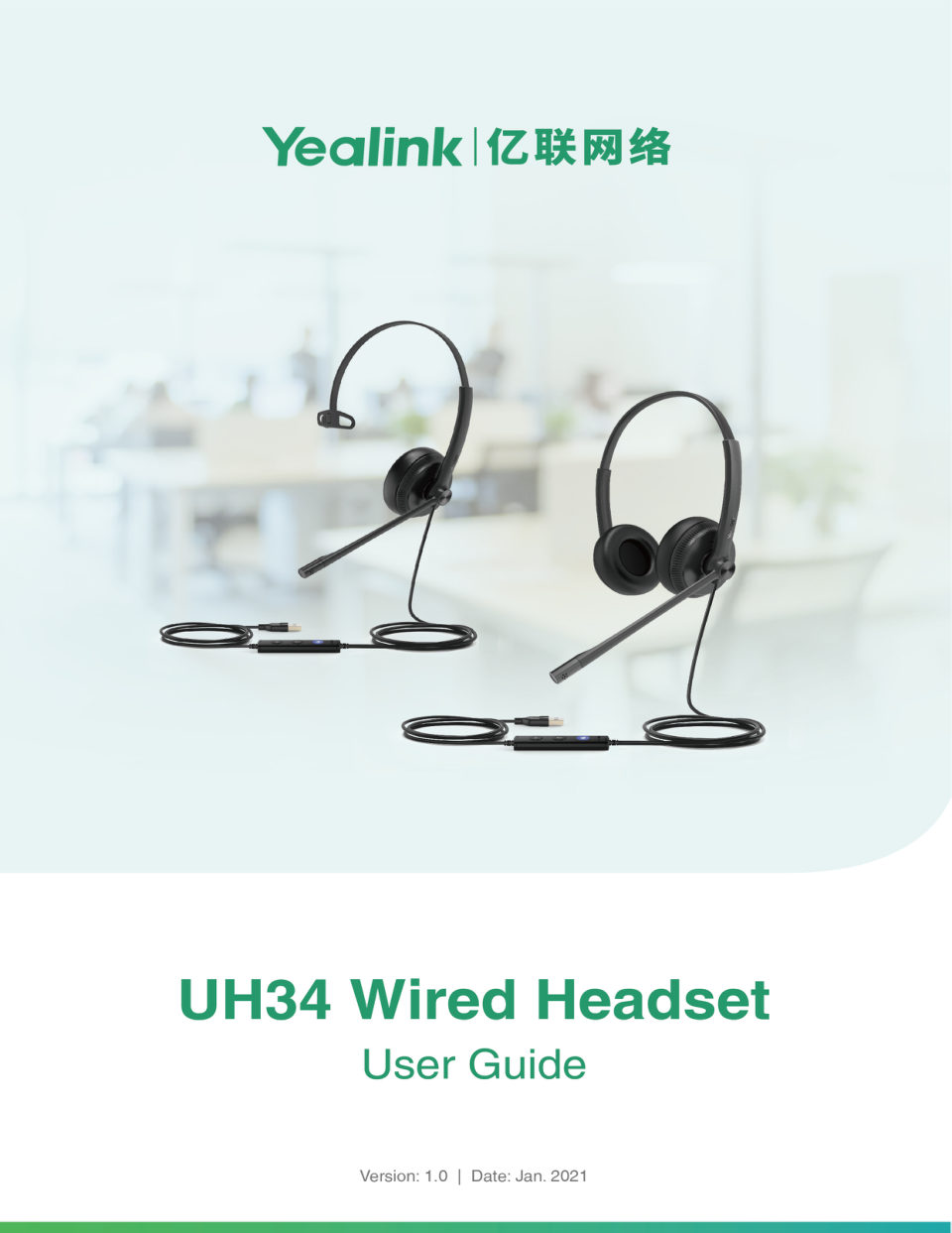
| About This Guide | 3 About This Guide This guide contains instructions for connecting and using your UH34/UH34 Lite headset. Hardware Overview • Wired Headset UH34/UH34 Lite Mono • Wired Headset UH34/UH34 Lite Dual •…
Читать страницу| Hardware Overview | 4 Wired Headset UH34/UH34 Lite Dual Teams/Voice Assistant Button LED Indicator When used with the Teams client, the button LED indicator is as follows. When the voice assistant is activated, the bu…
Читать страницу| Connecting to PC/Yealink IP Phone | 5 Connecting to PC/Yealink IP Phone Connect the headset to a USB port on the PC/Yealink IP phone. Headset Wear • Left or Right Wearing Style • Adjusting the Headband • Positioning t…
Читать страницу| Headset Wear | 6 Positioning the Microphone It is recommended to position the microphone close to your mouth (0.5 inches). The microphone is bendable for personal preference. Storing the Microphone The microphone can…
Читать страницу| Basic Call Usage | 7 Basic Call Usage Headset Function Action Press the Answer/End Call button. Note: When receiving an incoming call, Answer call the Answer/End button LED flashes green. During the call, the Answer/E…
Читать страницу| Basic Call Usage | 8 Headset Function Action Press the Volume Up/Volume Down Adjust volume button. Press the Mute button. Mute/un-mute microphone Note: When a call is muted, the Mute button LED glows red. (Teams versi…
Читать страницу| Multiple Calls Handling | 9 Headset Function Action (UC version) Activate voice Hold the Voice Assistant button for 2 assistant seconds. Multiple Calls Handling The headset and base can accept and handle multiple call…
Читать страницу| Yealink USB Connect | 10 Note: Download via support.yealink.com. • Update Firmware Update Firmware Procedure 1. Connect the headset to the USB port of PC. 2. Update the headset firmware via Yealink USB Connect. • Chec…
Читать страницу