Страница 1
H2essential Accessibility Installation Guide Copyright(C) 2024 ZOOM CORPORATION. All Rights Reserved. Proper display is not possible on grayscale devices. Introduction ■Item to prepare Windows or macOS computer with Int…
Читать страницу
Карточка инструкции: Рекордер Zoom H2e. Документ содержит 8 страниц. Раздел: Диктофоны и рекордеры. Бренд: Zoom. Доступны оглавление, просмотр по страницам и PDF для скачивания.
Раздел: ТВ, консоли и аудио / Аудиотехника / Портативные плееры и диктофоны / Диктофоны и рекордеры
Бренд: Zoom
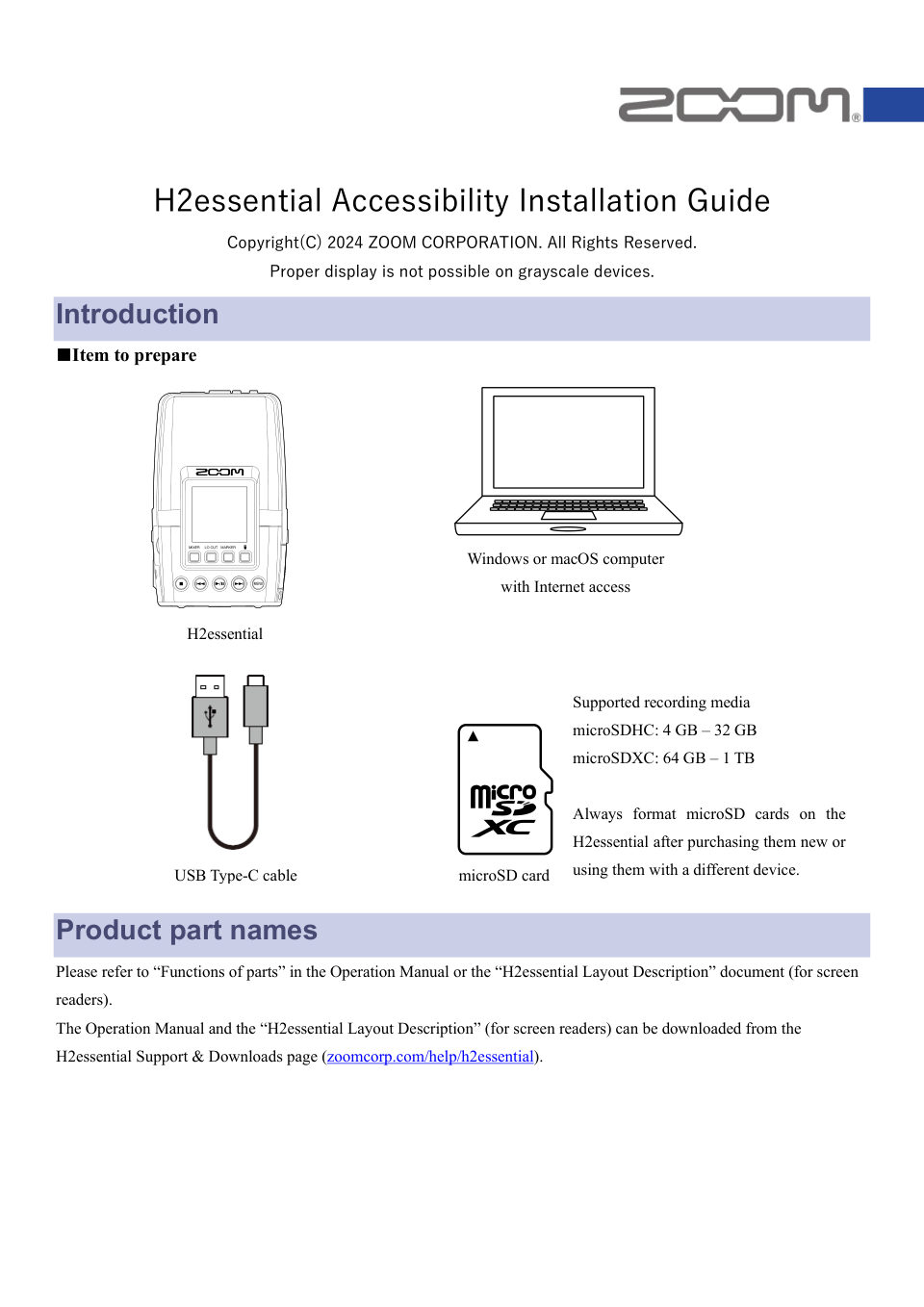
H2essential Accessibility Installation Guide Copyright(C) 2024 ZOOM CORPORATION. All Rights Reserved. Proper display is not possible on grayscale devices. Introduction ■Item to prepare Windows or macOS computer with Int…
Читать страницуAccessibility installation process 1. Download the accessibility installation file. 2. Extract the ZIP file. 3. Copy the extracted accessibility installation file to a microSD card. 4. Install the guide sound accessibil…
Читать страницуOn Windows 2. Extract the ZIP file Select the folder that contains the downloaded ZIP file. Click ①“Compressed Folder Tools” and then click ②“Extract all”. This extracts the ZIP file. 3
Читать страницу3. Copy the accessibility installation file to a microSD card Copy the “H2eAccessibility_ENG.BIN” file to a microSD card. [NOTE] Put only the accessibility installation file for one language on the microSD card. Proper…
Читать страницуOn macOS 2. Extract the ZIP file. After downloading, open the ①“Downloads” folder which appears at the right end of the Dock by default. Then, click ②”H2essential_Accessibility_File_ENG_v1.00.zip”. Downloaded files will…
Читать страницуThe following procedures are the same on both Windows and macOS. 4. Connect the power source (AC adapter, USB bus power or portable battery) to the USB port (Type-C) of H2essential. [NOTE] When performing an accessibili…
Читать страницуConfirm that the guide sound accessibility feature has been installed correctly Check the guide sound information used by the H2essential. 1. Press (MENU button) when the Home Screen is open. This opens the Menu Screen.…
Читать страницу5. Check the language and version used for the accessibility guide sound. ● ZOOM CORPORATION will bear no responsibility for any losses or third-party claims resulting from the use of this software. Moreover, distributi…
Читать страницу