Страница 1
High-Performance 16 dBi airMAX® CPE Model: NBE-M5-16
Читать страницу
Карточка инструкции: Точка доступа Ubiquiti NanoBeam M5-16. Документ содержит 24 страницы. Раздел: Точки доступа Wi-Fi. Бренд: Ubiquiti. Доступны оглавление, просмотр по страницам и PDF для скачивания.
Раздел: Сетевое оборудование / Wi-Fi роутеры и оборудование для малых сетей / Точки доступа Wi-Fi
Бренд: Ubiquiti
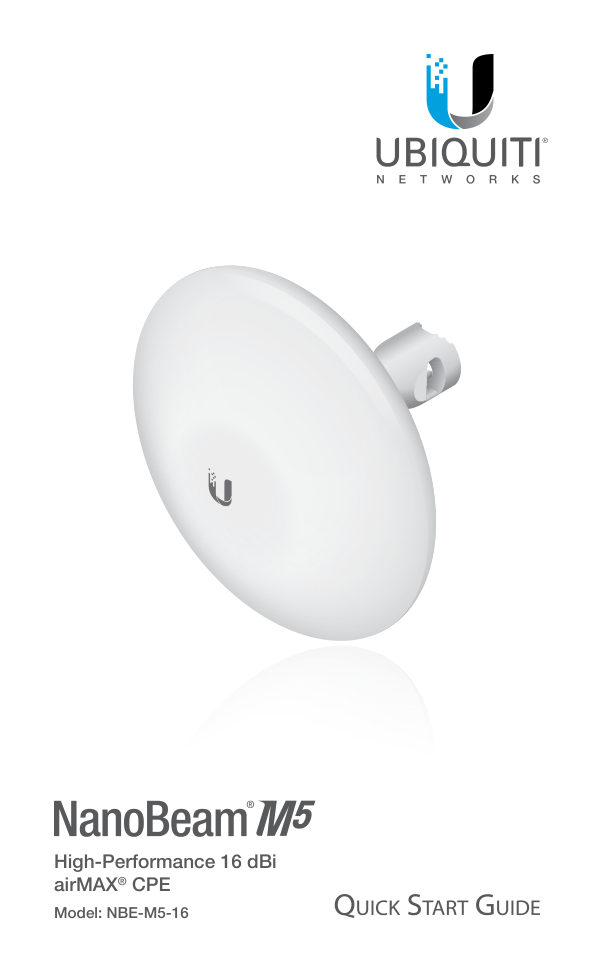
High-Performance 16 dBi airMAX® CPE Model: NBE-M5-16
Читать страницуIntroduction Thank you for purchasing the Ubiquiti Networks® NanoBeam®. This Quick Start Guide is designed to guide you through the installation, and show you how to access the airOS® Configuration Interface. This Quick…
Читать страницуInstallation Requirements The NanoBeam can be mounted on a pole or to a wall. A Metal Strap (included) is used for pole-mounting. For wall-mounting, a suitable fastener such as a screw or bolt (not included) is required…
Читать страницуReset Button To reset to factory defaults, press and hold the Reset button for more than 10 seconds while the NanoBeam is already powered on. Alternatively, the NanoBeam may be reset remotely via a Reset button located…
Читать страницуHardware Installation The NanoBeam can be mounted on a pole or to a wall. Perform the steps for the appropriate installation: Pole-Mount 1. Insert the Ball Joint Mount into the Lock Ring with the threads of the Lock Rin…
Читать страницу3. Wrap the Metal Strap around the pole. Use a 7 mm socket drive or screwdriver to turn the screw clockwise and securely fasten the strap to the pole. 4. Attach the NanoBeam to the Ball Joint Mount and turn the Lock Rin…
Читать страницуWall-Mount The NanoBeam must be mounted directly to a wood stud or other structurally stable surface to avoid damage to the mounting hole when you adjust the aim. Optional Accessory To enhance stability, you can use the…
Читать страницу4. If you are using the optional NanoBeam Wall Mount Kit, skip to step b. a. To attach the Ball Joint Mount to the wall, insert a fastener (not included) through the center of the ball joint, and into the wall. Securely…
Читать страницу