Страница 15
DYSON ©2023 05.09.23 User manual 8588529 Contents In the box Cleaning the filter Getting started Cleaning the tension bars Using your straightener Cleaning the diffusers Settings Deep cleaning the filter Cleaning your m…
Читать страницу
Карточка инструкции: Выпрямитель для волос Dyson Airstrait HT01. Документ содержит 28 страниц. Раздел: Укладка и сушка волос. Бренд: Dyson. Доступны оглавление, просмотр по страницам и PDF для скачивания.
Раздел: Красота и здоровье / Укладка и сушка волос
Бренд: Dyson
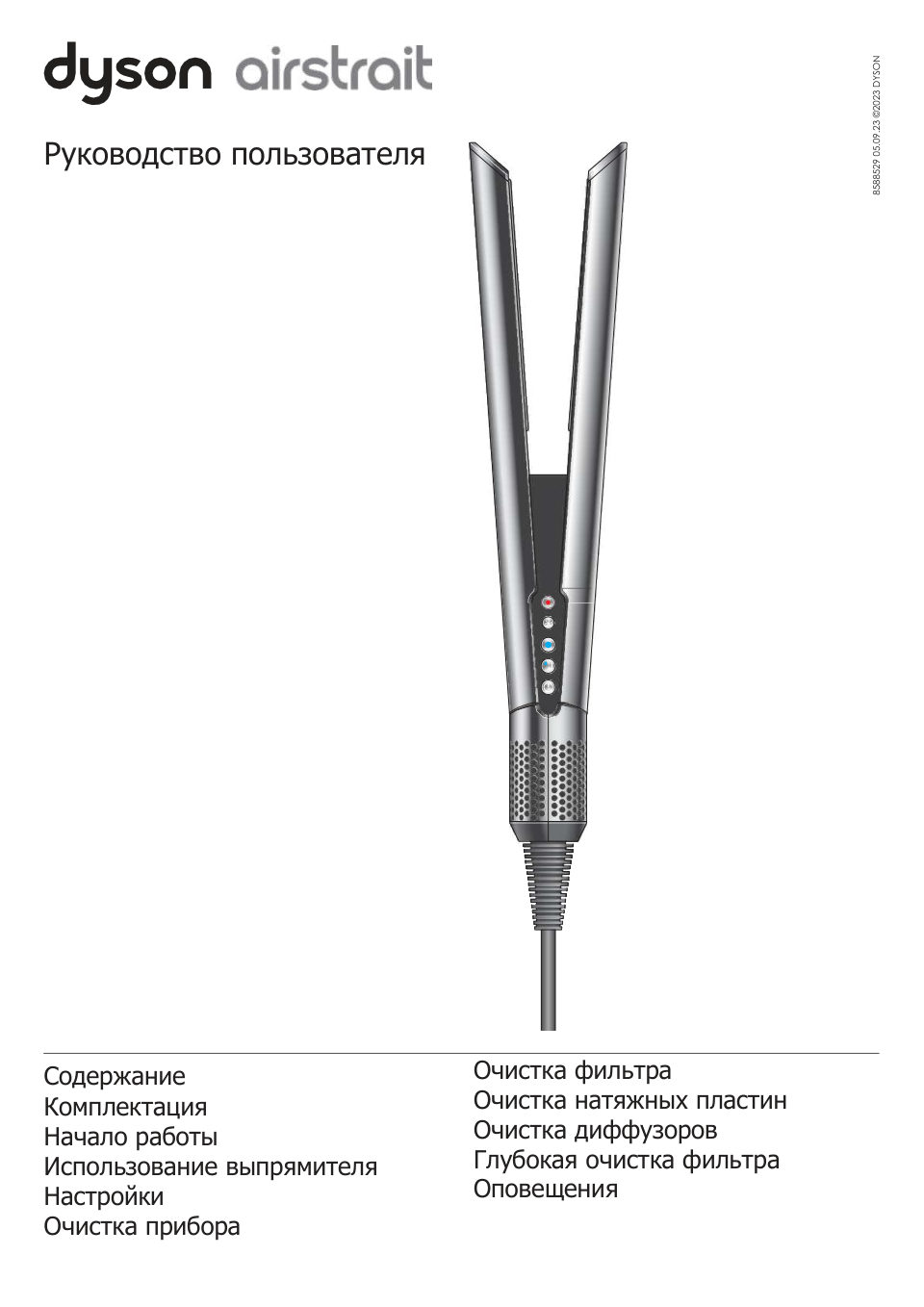
DYSON ©2023 05.09.23 User manual 8588529 Contents In the box Cleaning the filter Getting started Cleaning the tension bars Using your straightener Cleaning the diffusers Settings Deep cleaning the filter Cleaning your m…
Читать страницуIn the box Dyson Airstrait™ straightener Velvet heat mat / Non-slip heat mat Wet to dry straightening, with air. For safe placement during and No hot plates. No extreme heat.1 after styling. Uses high-velocity air, not…
Читать страницуGetting started Unlock Open the machine’s Tension bars arms by sliding the Help control and add lock button down. tension to the hair within the arms. Diffusers Gently diffuse airflow when close to the skin, for comfort…
Читать страницуUsing your straightener Your straightener is designed to be used with towel-dried hair, not dripping wet hair. Once towel-dried, detangle your hair with a brush or comb. Your straightener should never be used without th…
Читать страницуCool mode Use Cool mode to set your style. Hold your straightener with the arms shut and direct the airflow down the hair section to smooth and set. Cool Adjusting the temperature Press the Temperature control button to…
Читать страницуIdle mode Between passes, your straightener will activate Idle mode. Airflow will reduce, then increase as soon as you close the arms. Auto pause To save energy, your straightener will Auto pause when left for three sec…
Читать страницуSettings Your Dyson Airstrait™ straightener has a settings menu to help you customize your machine to your usage. Press and hold the Mode select button to access the menu on the LCD screen. Idle mode You can enable or d…
Читать страницуLanguage Deutsch Press and hold the Mode select button on your straightener until the Language menu appears. Deutsch English English English Español Press the Mode select button to scroll through the language options. P…
Читать страницу