Страница 1
5 GHz 2x2 MIMO BaseStation Sector Antenna Models: AM-5G16-120, AM-5G17-90
Читать страницу
Карточка инструкции: Антенна Ubiquiti AirMax Sector AM-5G16-120. Документ содержит 20 страниц. Раздел: Антенны для Wi-Fi оборудования. Бренд: Ubiquiti. Доступны оглавление, просмотр по страницам и PDF для скачивания.
Раздел: Сетевое оборудование / Wi-Fi роутеры и оборудование для малых сетей / Антенны для Wi-Fi оборудования
Бренд: Ubiquiti
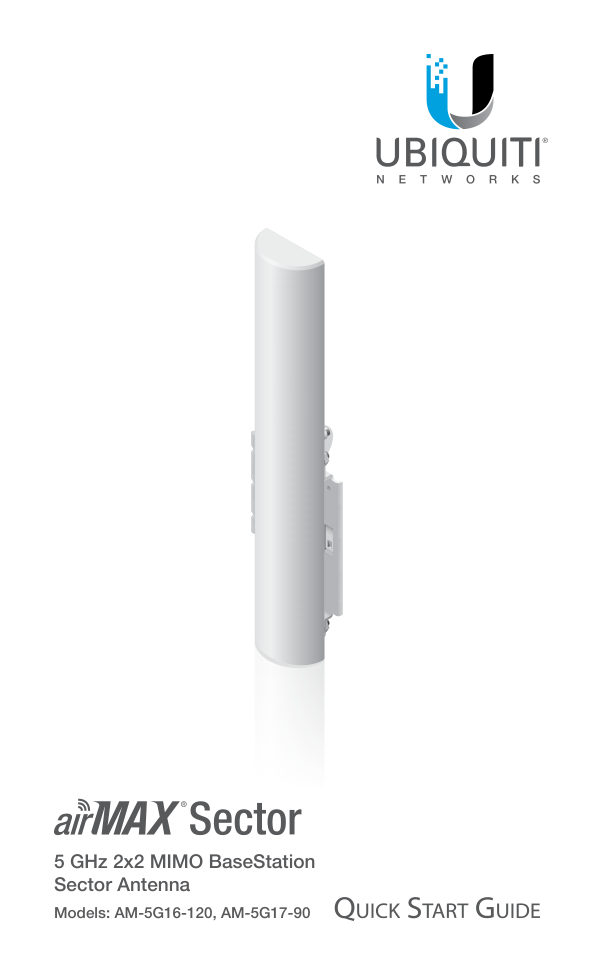
5 GHz 2x2 MIMO BaseStation Sector Antenna Models: AM-5G16-120, AM-5G17-90
Читать страницуIntroduction Thank you for purchasing a Ubiquiti Networks® airMAX® 5 GHz 2x2 MIMO BaseStation Sector Antenna. This Quick Start Guide is designed to guide you through the installation of the antenna. This Quick Start Gui…
Читать страницуInstallation Requirements • Rocket™M5 or RocketM5 GPS (sold separately) • 13 mm wrench • Shielded Category 5 (or above) cabling should be used for all wired Ethernet connections and should be grounded through the AC gro…
Читать страницуHardware Installation 1. Attach the Rocket Mount Assembly to the antenna using four Serrated Flange Nuts.
Читать страницу2. Attach the Pole Bracket to the Rocket Mount Assembly using two Serrated Flange Bolts and two Serrated Flange Nuts.
Читать страницу3. Attach the RF Cables to the connectors labeled V and H on the antenna. 4. Attach the Rocket to the Rocket Mount Assembly. a. Align the mounting tabs on the back of the Rocket with the four mounting slots on the Rocke…
Читать страницу5. Attach the other ends of the RF Cables to the connectors labeled Chain 1 and Chain 0 on the Rocket.
Читать страницу6. To mount the antenna to the pole, attach the Pole Clamp to the Pole Bracket using two Carriage Bolts and two Serrated Flange Nuts. Hand-tighten only. Note: The mounting assembly can accommodate a Ø 38 - 76 mm (1.5" -…
Читать страницу