Страница 1
Operating Instructions Digital Wireless Stereo Headphones Model No. RB-HF630B Thank you for purchasing this product.
Читать страницу
Карточка инструкции: Беспроводные наушники Panasonic RB-HF630BG-A синий 2024. Документ содержит 16 страниц. Раздел: Наушники и гарнитуры. Бренд: Panasonic. Доступны оглавление, просмотр по страницам и PDF для скачивания.
Раздел: ТВ, консоли и аудио / Аудиотехника / Наушники и гарнитуры
Бренд: Panasonic
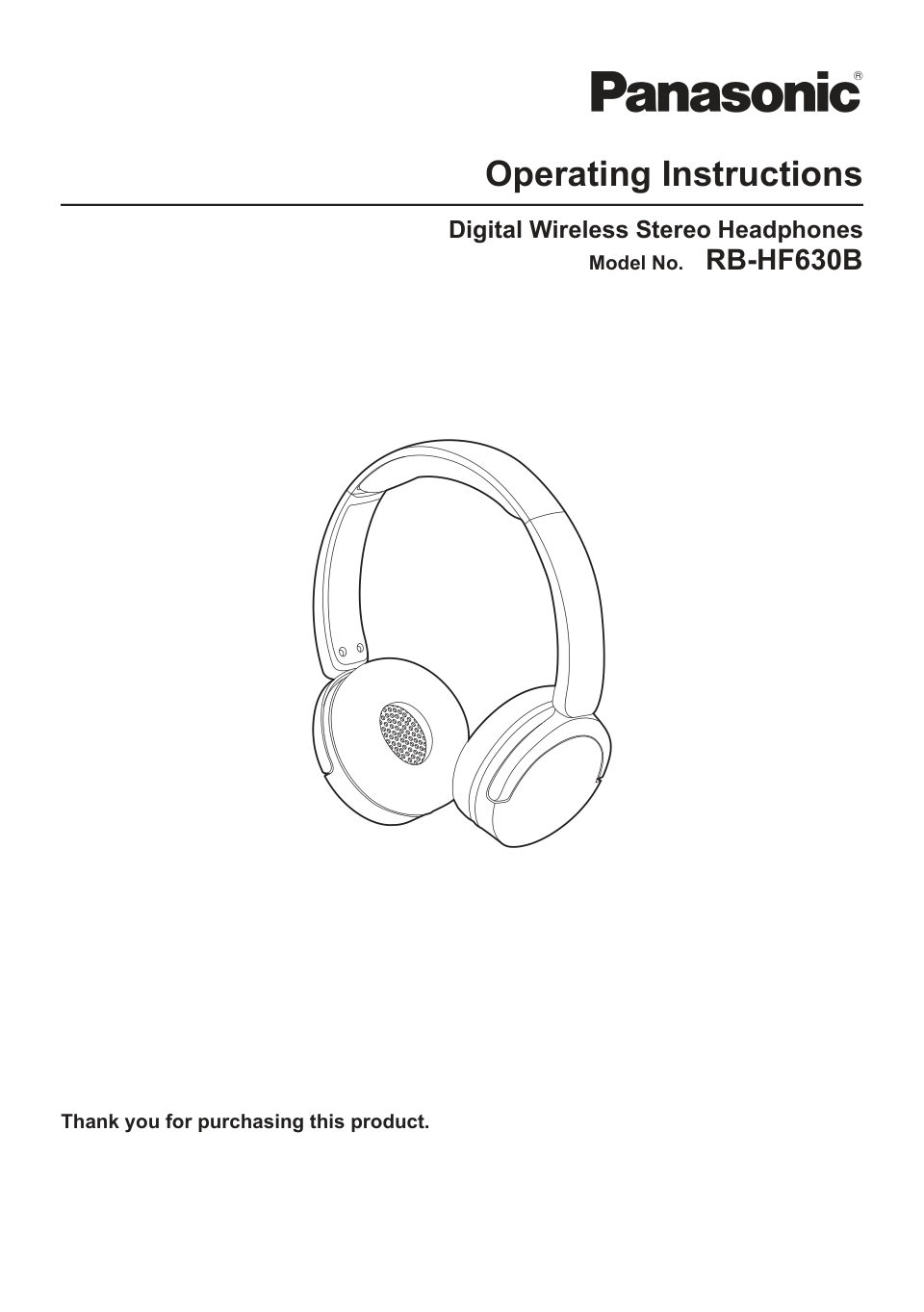
Operating Instructions Digital Wireless Stereo Headphones Model No. RB-HF630B Thank you for purchasing this product.
Читать страницуLet’s Get Started Expressions used in this document R The product illustrations may differ from the actual product. Accessories 1 x USB charging cord (Input plug: USB Type-A Shape, Output plug: USB Type-C Shape) Part na…
Читать страницуLet’s Get Started LED LED colour/pattern Status description Lighting (red) Charging is in progress Blinking alternately red and blue Standing by for Bluetooth® pairing (registration) Blinking slowly (blue)*1 Standing by…
Читать страницуLet’s Get Started Pair for the first time Important: R When pairing, keep the Bluetooth® device and unit close together. (Within about 1 m) R Depending on the connected Bluetooth® device, a loud sound may be output duri…
Читать страницуLet’s Get Started Turn the unit on/off 6 7 n Turning on Press and hold MUN (6) for about 2 seconds until the LED (7) blinks blue. R A beep will sound, and the LED blinks blue twice every 2 seconds. n Turning off Press a…
Читать страницуConvenient Function Listen to music If the Bluetooth® device supports the “A2DP” and “AVRCP” Bluetooth® profiles, you can use the unit to play music and videos. 1 Connect the Bluetooth® device and unit. 2 On the Bluetoo…
Читать страницуConvenient Function Note: R Voice assistant features may not activate depending on the smartphone specifications and the app version. R For details about voice commands for the voice assistant feature, please refer to t…
Читать страницуConvenient Function Resetting the unit You can reset the unit if they are not responding. 1 Use the USB charging cord (supplied) to connect the unit to a 5.0 V power source (0.5 A or higher). R Information about paired…
Читать страницу