Страница 1
UGREEN USB-C Docking Station Model: CM555
Читать страницу
Карточка инструкции: Док-станция Ugreen CM555. Документ содержит 11 страниц. Раздел: Док-станции и USB-разветвители. Бренд: Ugreen. Доступны оглавление, просмотр по страницам и PDF для скачивания.
Раздел: ПК, ноутбуки, периферия / Периферия и аксессуары / Док-станции и USB-разветвители
Бренд: Ugreen
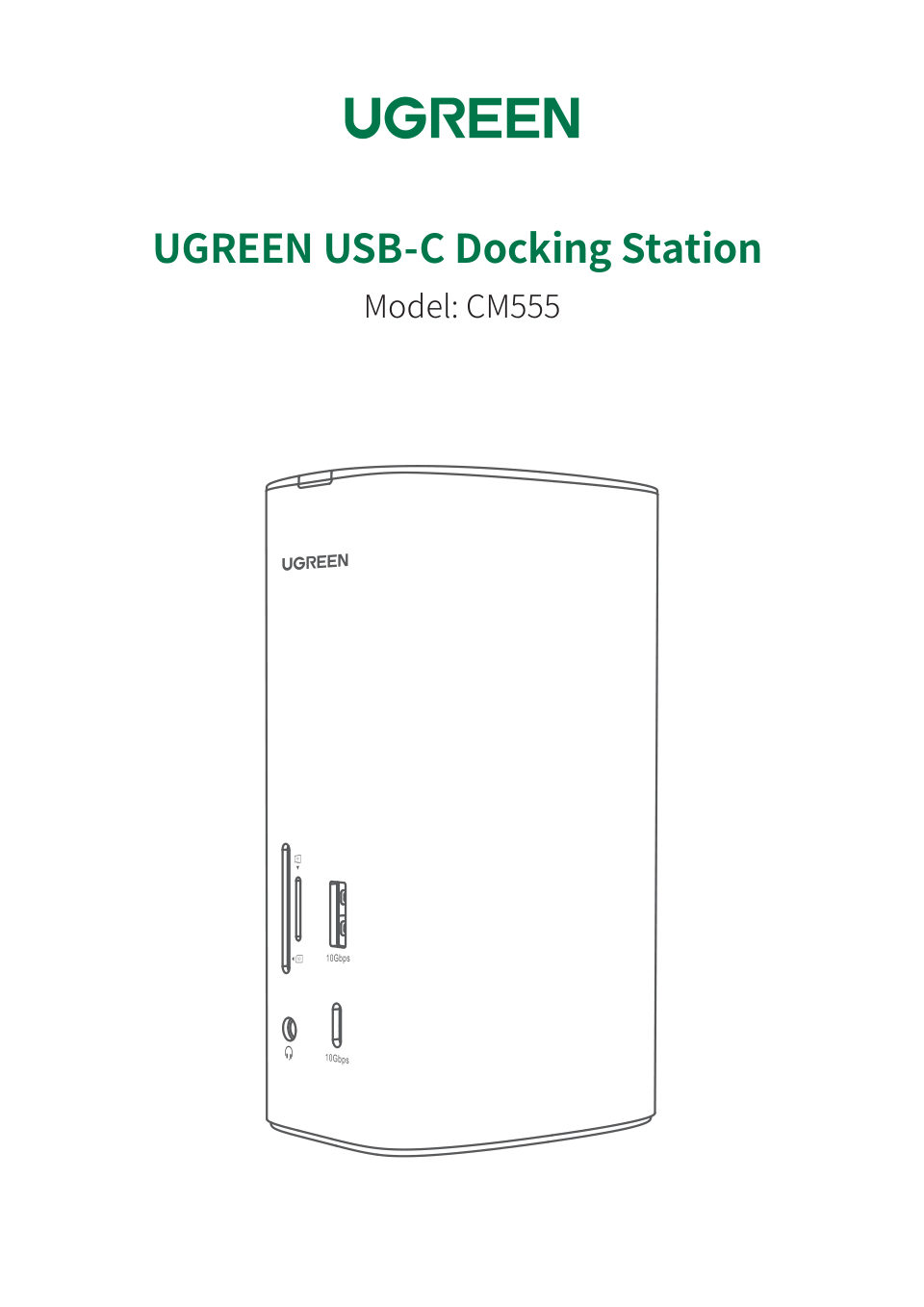
UGREEN USB-C Docking Station Model: CM555
Читать страницуUser Guide CONTENTS Driver Installation 01-01 Resolution and Graphics Settings 01-04 Frequently Asked Questions 05-09 Notice 09-09 After-sales Service 09-09
Читать страницуUser Guide Driver Installation Please install the driver first before connecting the dock to your computer. There are several ways to get it. 1. Go to “Displaylink” to download. For details please check the driver instal…
Читать страницуUser Guide Apple Icon > "System Preferences" > "Displays" Graphics Settings for Windows 11 Click the" " + " P " simultaneously to select the display mode. ① Duplicate Mode ② Extend Mode PROJECT PC screen only A A Source…
Читать страницуUser Guide Graphics Settings for macOS Mirror Mode Click the Apple Icon " " > "System Preferences">"Displays" > check the "Mirror Displays" option A Source Device A A A HDMI 1 HDMI 2 DP Display Display Display - 03 -
Читать страницуUser Guide Extend Mode Click the Apple Icon " " > "System Preferences" > "Displays" > cancel the "Mirror Displays" option A Source Device B C D HDMI 1 HDMI 2 DP Display Display Display Tip: The above examples are for re…
Читать страницуUser Guide Frequently Asked Questions Display Issues Q1. Why isn’t there a display image when connecting to the HDMI/DP port? If there is no display image after connecting; 1) Check which video port is not outputting th…
Читать страницуUser Guide Q3. Why are monitor resolutions unable to reach 8K resolution when connecting to the HDMI port? If the monitor resolution is unable to reach 8K resolution with the HDMI port; 1) Ensure your cables are connect…
Читать страницу