Страница 1
User GuideOutdoor Pan/Tilt Security Wi-Fi Camera ©2025 TP-Link 1910013887 REV2.0.0
Читать страницу
Карточка инструкции: IP-камера TP-Link Tapo TC42. Документ содержит 22 страницы. Раздел: IP камеры. Бренд: Ip-Камера. Доступны оглавление, просмотр по страницам и PDF для скачивания.
Раздел: Сетевое оборудование / Видеонаблюдение / IP камеры
Бренд: Ip-Камера
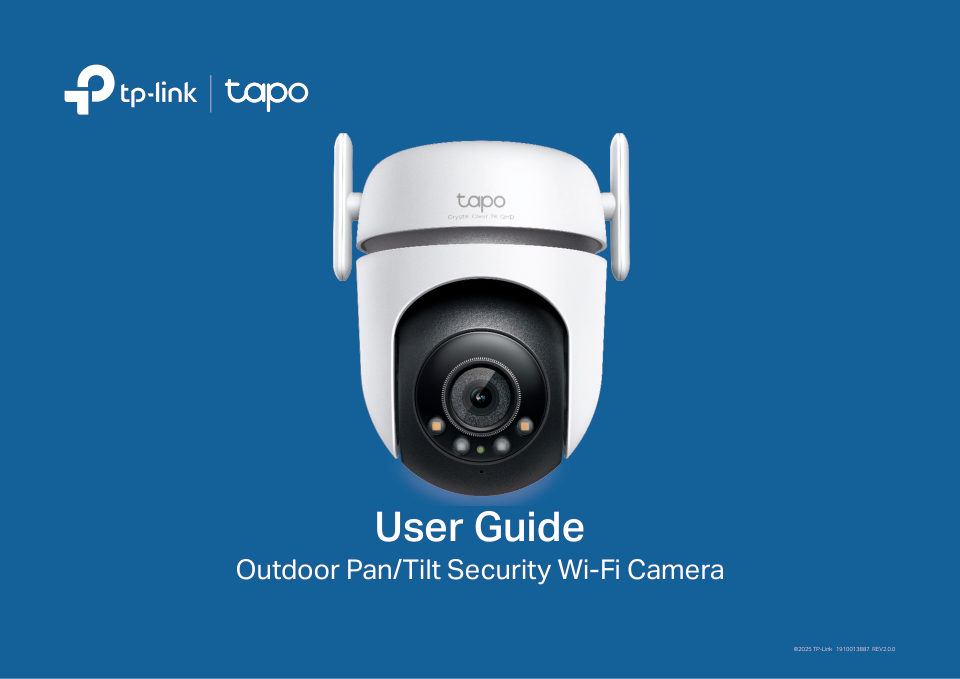
User GuideOutdoor Pan/Tilt Security Wi-Fi Camera ©2025 TP-Link 1910013887 REV2.0.0
Читать страницуAbout This GuideThis guide provides a brief introduction to the Outdoor Pan/Tilt Security Wi-Fi Camera and the Tapo app, as well as regulatory information. Please note that features available in Tapo may vary by model a…
Читать страницуIntroductionOutdoor Pan/Tilt Security Wi-Fi Camera is a full-featured weatherproof security camera that you can access from anywhere. Receive instant notifications and check feeds when the motion is detected. Moreover,…
Читать страницуAppearance 6 7 1 Lens 2 White Light LEDs 3 IR LEDs 4 System LED 5 Microphone 6 Reset 7 microSD Card Slot 1 microSD 8 Speaker 2 4 9 Ethernet Port 3 5 8 9 10 10 DC Power Connector Reset Button Open the silicone cover. Whi…
Читать страницуSystem LED Indication Solid red Starting up Blinking red and green Ready for setup (for Wi-Fi setup) Blinking red slowly Connecting to Wi-Fi (for Wi-Fi setup) Connected to Wi-Fi Solid amber or wired network Solid green…
Читать страницуSet Up Your CameraFollow the steps below to get started with your new camera. Step 1. Download Tapo App Step 2. Log In Step 3. Add Your Camera Get the Tapo app from the App Store or Open the app, and log in with your TP…
Читать страницуStep 4. Configure Camera Follow app instructions to set up your camera via wired or wireless connection (for setup only), and add it to your home network. After setup, you can use your camera via wired connection or wir…
Читать страницуInstall a microSD CardFollow the steps below to install the microSD card for local recording. You can go to Camera Settings > microSD Card in the Tapo app to check the card status or format your card. 1. Manually rotate…
Читать страницу