Страница 1
ACCENTUM Plus Wireless around-ear headphones Model: ACPAEBT Instruction manual Use the search function, the navigation (left) or the following links: Start “Product overview” “Getting started” “Using the headphones” “FA…
Читать страницу
Карточка инструкции: Беспроводные/проводные наушники Sennheiser Accentum Plus белый 2024. Документ содержит 36 страниц. Раздел: Наушники и гарнитуры. Бренд: Sennheiser. Доступны оглавление, просмотр по страницам и PDF д…
Раздел: ТВ, консоли и аудио / Аудиотехника / Наушники и гарнитуры
Бренд: Sennheiser
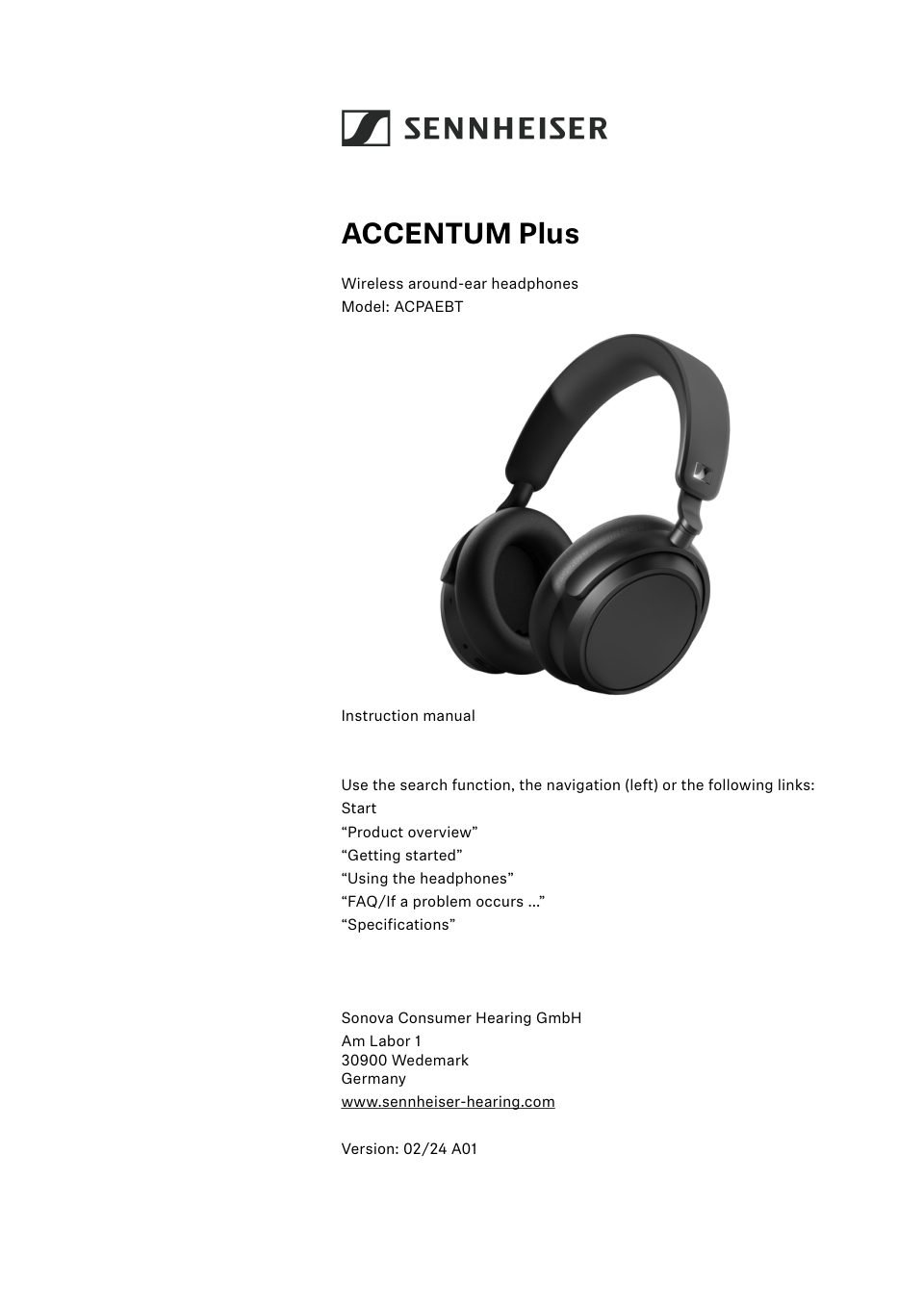
ACCENTUM Plus Wireless around-ear headphones Model: ACPAEBT Instruction manual Use the search function, the navigation (left) or the following links: Start “Product overview” “Getting started” “Using the headphones” “FA…
Читать страницуImportant safety instructions Important safety instructions ▷Read this instruction manual carefully and completely before using the product. ▷Always include this instruction manual when passing the product on to third p…
Читать страницуImportant safety instructions Only use rechargeable batteries and chargers recom mended by Sonova Consumer Hearing. Do not leave the product / rechargeable batteries unat tended while charging. Only charge the product…
Читать страницуImportant safety instructions To ensure proper, safe and long-lasting performance: ▷Avoid contact with moisture and always keep headphones dry. ▷Do not use headphones in the rain/snow or in the shower. ▷Do not use headp…
Читать страницуPackage contents Package contents ACCENTUM Plus around-ear headphones Model: ACPAEBT USB cable with USB-C and USB-A connector, length approx. 1.2 m Analog audio cable with 3.5 mm jack plug and 2.5 mm jack plug, length a…
Читать страницуProduct overview Product overview ACCENTUM Plus Model: ACPAEBT 1 2 3 3 6 5 4 R 0 A 0 7 8 9 Ear pads Headband, steplessly adjustable Ear cups Speech microphones (2 pcs.) for phone calls LED display USB-C socket for charg…
Читать страницуProduct overview Input for analog audio cable, 2.5 mm; when a cable is connected, flight mode is activated/Blue tooth is deactivated Marking for the right ear (R) and for the left ear (L) (inside the ear cups) Micropho…
Читать страницуProduct overview Overview of the LED display The headphones are equipped with a sensor that automatically detects whether the headphones are worn or taken off from your ears (Smart Pause function). You can find more inf…
Читать страницу