Страница 1
Vocaster Two user guide Version 2.0
Читать страницу
Карточка инструкции: Внешняя звуковая карта FOCUSRITE Vocaster Two. Документ содержит 36 страниц. Раздел: Звуковые карты. Бренд: FOCUSRITE. Доступны оглавление, просмотр по страницам и PDF для скачивания.
Раздел: ТВ, консоли и аудио / Аудиотехника / Звуковые карты
Бренд: FOCUSRITE
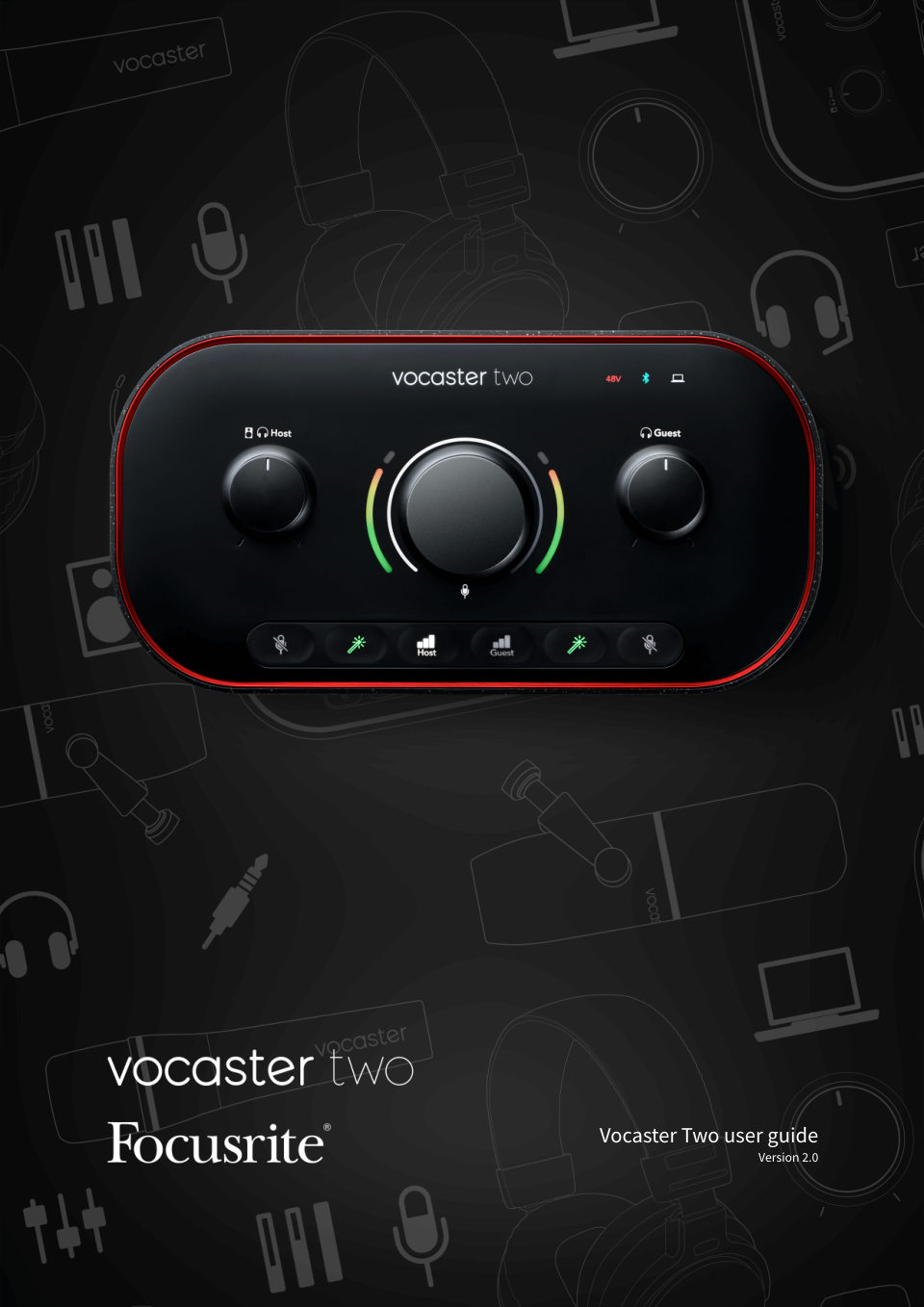
Vocaster Two user guide Version 2.0
Читать страницуVocaster Two user guide Vocaster Two overview Introduction Welcome to your new Vocaster Two audio interface. Vocaster Two has been designed to let you create professional podcasts with the minimum of hassle. Content cre…
Читать страницуVocaster Two user guide Hardware features Vocaster Two allows you to connect either one or two high quality microphones to a computer running macOS or Windows: this will let you achieve a much better audio recording tha…
Читать страницуVocaster Two user guide Getting Started with the Vocaster Two When you connect Vocaster Two for the first time, your computer recognises it in the same way as if it were a USB memory stick. Easy Start Tool Getting up an…
Читать страницуVocaster Two user guide Double-click the Click Here to Get Started.url icon. This redirects you to the Focusrite website, where we recommend you register your Vocaster to access to your included software package: After…
Читать страницуVocaster Two user guide Windows users On connecting your Vocaster Two to your PC, this notification will appear: Click on the notification to open the dialogue box shown below: Double-click: Open folder to view files, t…
Читать страницуVocaster Two user guide After you submit the form you can either follow our step-by-step setup guide, which is follow our step-by-step setup guide, which is tailored to how you want to use your Vocaster Two, or go strai…
Читать страницуVocaster Two user guide All users If you have any issues using the Easy Start tool, open the file More Info & FAQs, where you should be able to find answers to your questions. Note When you install Vocaster Hub on a Win…
Читать страницу